DATA PROTECTION TRENDS, NEWS & BACKUP TIPS
The Quiet Cost of “We’re Covered” Security in the SMB Market
“We’re covered. Defender comes with Windows.”
Walk into enough small and mid-sized businesses and you’ll hear some version of that sentence in the first ten minutes. It’s usually said with confidence, often by people who care about security and are doing what they believe is reasonable.
The gap between what those teams think they have and what they actually have has widened every year for the past decade. In 2026, it has become the single most common reason an SMB ends up in headlines for the wrong reasons.
None of this is meant as a critique of Microsoft Defender. The free antivirus engine that ships with Windows is a capable product on a single home PC. The threat model facing a small business has almost nothing in common with the threat model facing a home user, and that is where the trouble starts.
Two Products, One Name
Microsoft sells several things called “Defender,” and the naming has done quiet damage in the SMB market.
Free Defender is solid antivirus. It handles signature-based threats well, includes cloud-delivered scanning, and occupies the space a basic AV product is supposed to occupy.
Defender for Business is a different product. It adds endpoint detection and response, automated investigation, attack surface reduction, centralized policy management, and cross-platform coverage for organizations up to 300 users, included in Microsoft 365 Business Premium or available as a standalone add-on.
The free product handles known malware. Defender for Business adds the visibility and behavioral detection needed to spot novel attacks moving through an environment, which is where most modern breaches actually happen.
The Bigger Gap Isn’t the Tool
Upgrading from free Defender to Defender for Business is a real improvement, but it leaves the larger gap untouched. The real exposure for most SMBs is timing and attention.
Security at most small and mid-sized businesses runs on business hours. A single IT person, a managed services partner with a daytime help desk, an office manager glancing at a dashboard between other priorities. ERP systems, file shares, accounting platforms, and customer databases run around the clock, while the people watching them often do not.
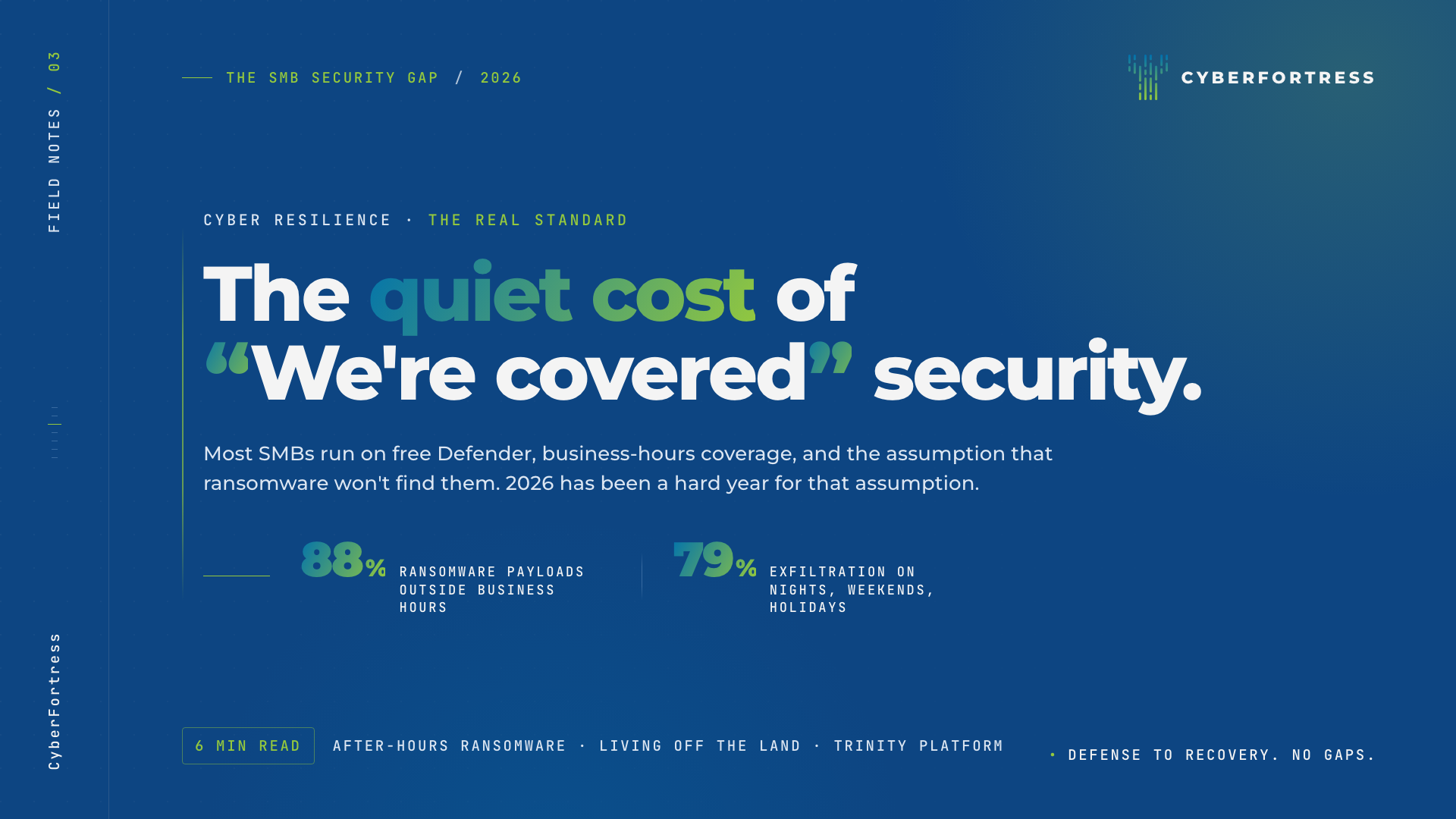
Attackers know this. The Sophos Active Adversary Report 2026 found that 88% of ransomware payloads are deployed outside business hours, and 79% of data exfiltration happens at night, on weekends, or over holidays. The attacker is choosing the moment when the response will be slowest, and choosing well.
Layer in alert fatigue, and the picture gets worse. Endpoint tools generate hundreds of notifications a week. Triaging that volume takes expertise most internal SMB teams don’t have time to develop, and most outsourced help desks aren’t structured to provide. The result is a business that bought a security product, deployed it, and quietly stopped reading its alerts.
How Attackers Get Past Defender, Even the Paid Version
Modern ransomware operators have a well-documented set of techniques for slipping past endpoint protection, including paid versions.
They live off the land, abusing legitimate Windows tools and signed Microsoft binaries to run malicious payloads under the cover of trusted processes. LockBit affiliates have been observed using Defender’s own command-line utility to side-load Cobalt Strike beacons. They tamper with protections by modifying registry keys or disabling real-time scanning where tamper protection isn’t fully enabled. They run obfuscated PowerShell and fileless attacks that signature-based tools were never designed to catch.
Then they wait. They time the destructive phase for a Saturday night or a holiday weekend, after they’ve mapped the environment and identified the systems that hurt the most when they go down. By the time Monday morning arrives, the encryption is finished and the data is on a leak site.
Cyber Resilience as the Real Standard
The conversation SMB leaders need to have with their security partners isn’t whether endpoint protection exists. That was the 2018 question. The 2026 question is whether the business can protect, detect, and recover when the inevitable bad day arrives.
Protect means the data that runs the business lives somewhere ransomware cannot reach with stolen credentials. Immutable storage, air-gapped vaults, and a backup architecture that survives a compromise of the production environment are baseline now, not premium.
Detect means somebody is watching around the clock, with the expertise to tell signal from noise. For most SMBs, that capability has to be bought rather than built. The math of staffing a 24/7 SOC internally rarely works under a few hundred employees.
Recover means knowing, before the incident, that backups are clean, restorable, and tested. Plenty of organizations discover the gaps in their recovery plan during the recovery itself, when there is no time left to fix them.
How the CyberFortress Trinity Platform Closes the Loop
The CyberFortress Trinity Platform was built around that three-pillar view. It pairs DeepSeas Endpoint MDR for 24/7 expert detection and response with Veeam-powered backups in immutable, geo-separated storage and orchestrated, validated recovery.
The shift that matters here is operational. Protect, detect, and recover stop being three separate purchase decisions handed to three different people. They start working together, with one team accountable for the outcome.
For an SMB, that change matters more than any individual feature. It turns ransomware from an existential threat into a manageable incident, which is the only realistic goal worth aiming for.
Three Honest Questions for SMB Leaders
If you run security for a small or mid-sized business, three questions are worth sitting with this quarter.
Who is watching at 2 a.m. on a Saturday, and what authority do they have to act?
If our most critical systems were encrypted tomorrow, what could we restore from a backup the attacker cannot reach, and have we tested it recently?
When was the last time we measured our security posture against what could actually go wrong, instead of against a checklist?
Free Defender will not answer those questions. Neither will any single tool. The answer comes from treating cyber resilience as a discipline the business invests in deliberately, before it needs to.
That investment is small compared to the cost of the alternative, and the only wrong time to make it is after the attack.