Protect What Microsoft 365 Doesn’t Cover.
Under Microsoft’s shared responsibility model, they protect the infrastructure—but your data is your responsibility. CyberFortress protects Exchange, SharePoint, OneDrive, and Teams with automated cloud-to-cloud backup and one-click recovery.
Your M365 Data Is Your Responsibility
Microsoft Doesn’t Back Up Your Data
Microsoft protects their infrastructure—not your content. Their shared responsibility model puts data protection squarely on you. Most organizations discover this too late.
Accidental & Malicious Deletion Happens Daily
Users accidentally delete emails, files, and entire folders every day. Disgruntled employees can wipe data on their way out. Microsoft’s retention policies have limits—and gaps.
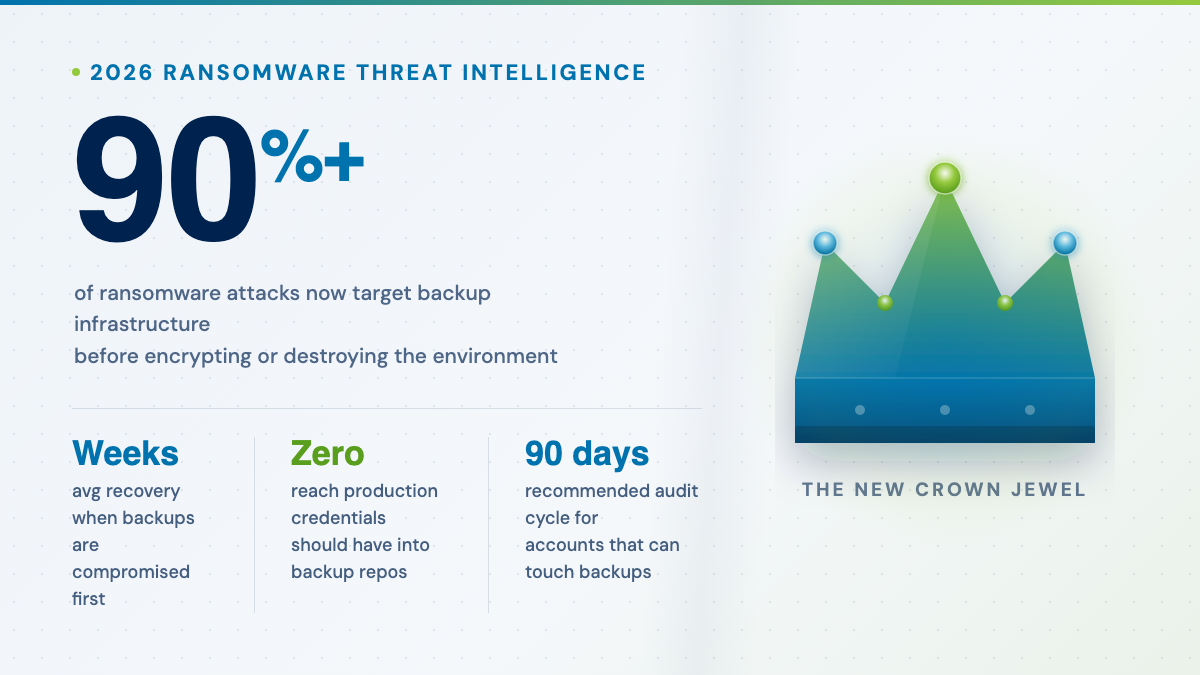
Ransomware Targets M365 Accounts Directly
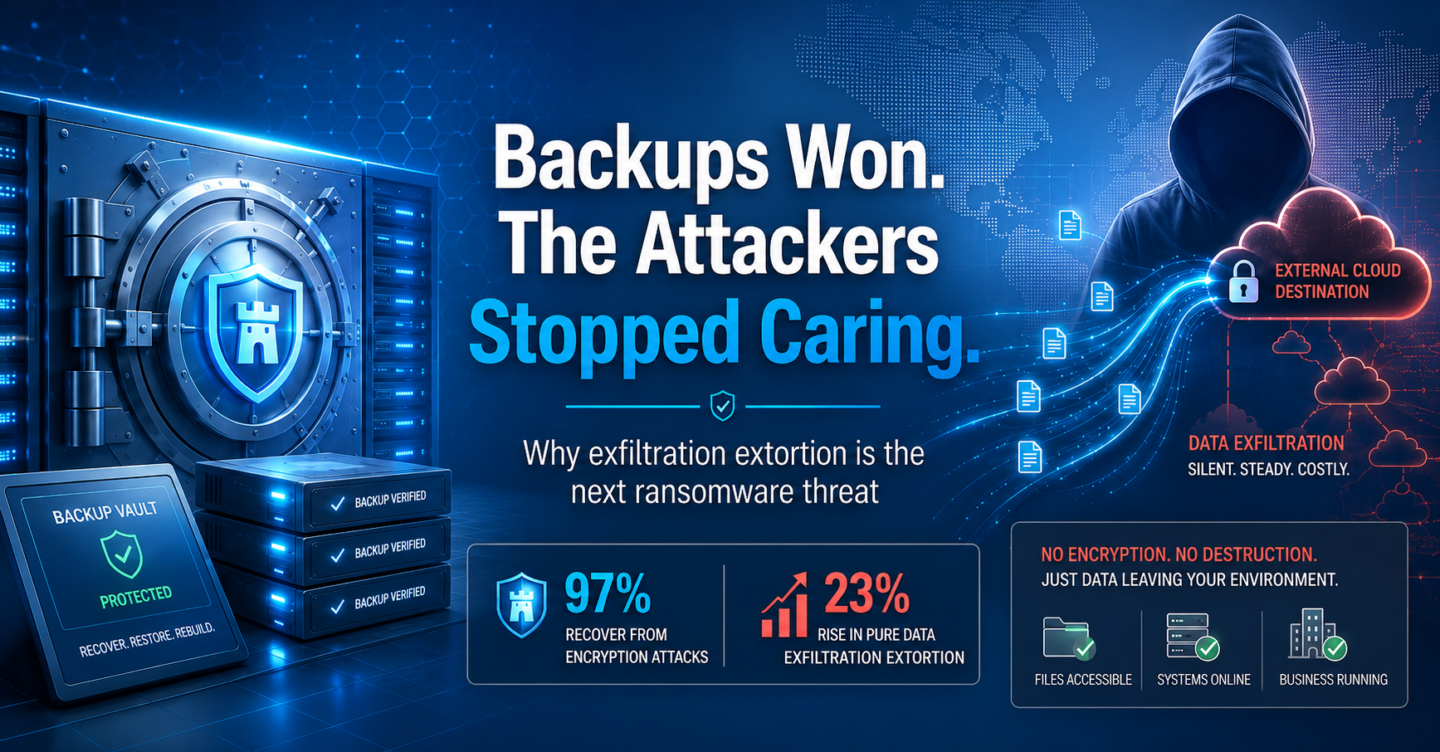
Phishing attacks and compromised credentials give attackers direct access to your M365 environment. Once in, they can encrypt or delete everything—including your SharePoint and OneDrive files.
Compliance Requires Independent Backup Copies
Regulations like HIPAA, SOC II, and PCI-DSS require independent, recoverable copies of business data. Relying on Microsoft’s native retention alone won’t pass an audit.
Every App. Every File.
Every Message.
Powered by Veeam, CyberFortress protects every corner of your Microsoft 365 environment—with granular recovery down to a single item.
Exchange Online
All mailbox types—user, shared, and archive. Protect emails, contacts, calendars, and tasks across your entire organization.
SharePoint Online
Complete protection for sites, document libraries, and lists. Restore entire site collections or drill down to individual items.
OneDrive for Business
Every user file backed up automatically. Recover from accidental deletion, ransomware, or version overwrites with a single click.
Microsoft Teams
Chats, channel conversations, files, and associated SharePoint sites. Don’t lose critical collaboration history and shared documents.
Granular Recovery
Restore a single email, chat message, file, SharePoint site, or list item. No need to recover everything just to find one missing piece.
Fast Recovery
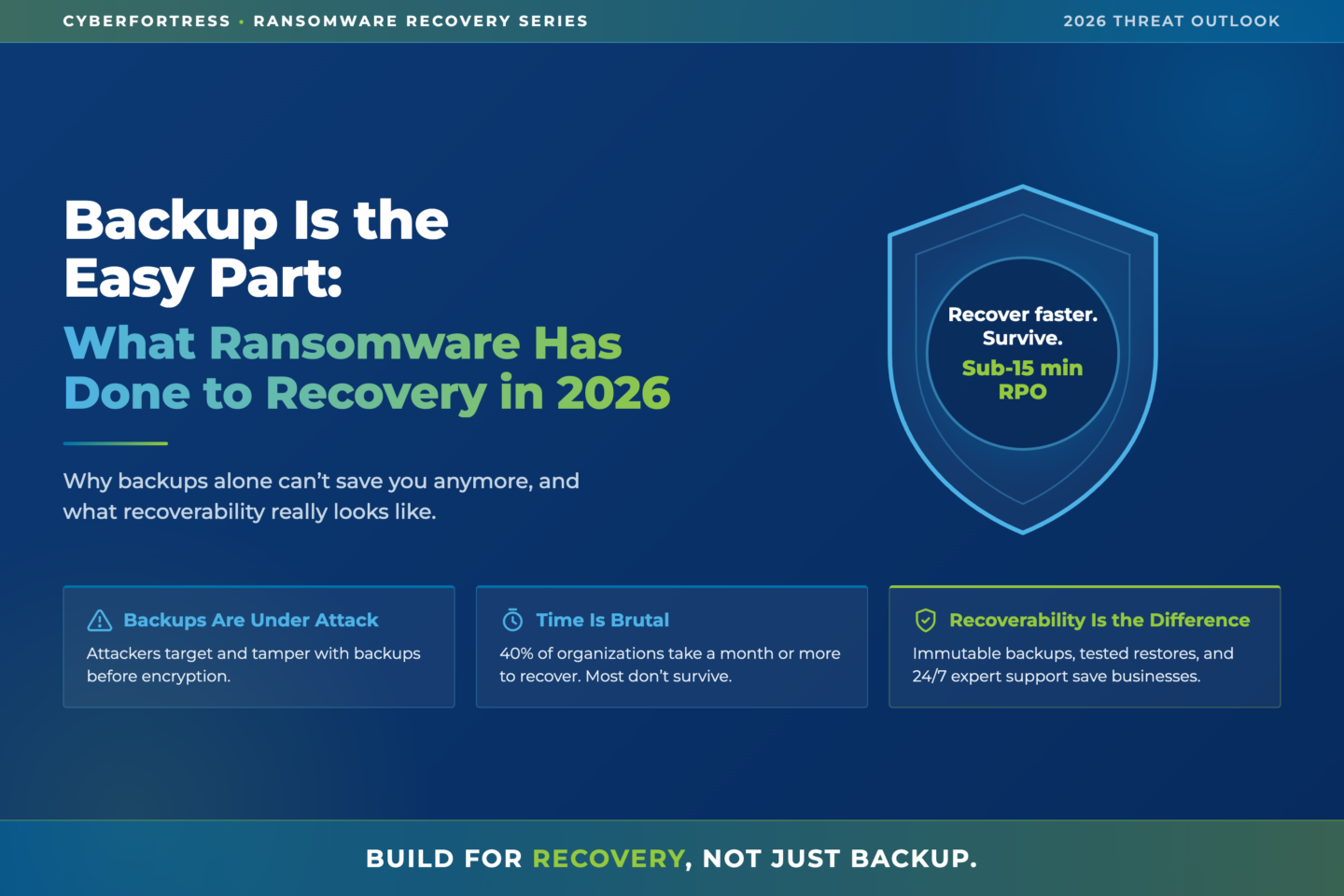
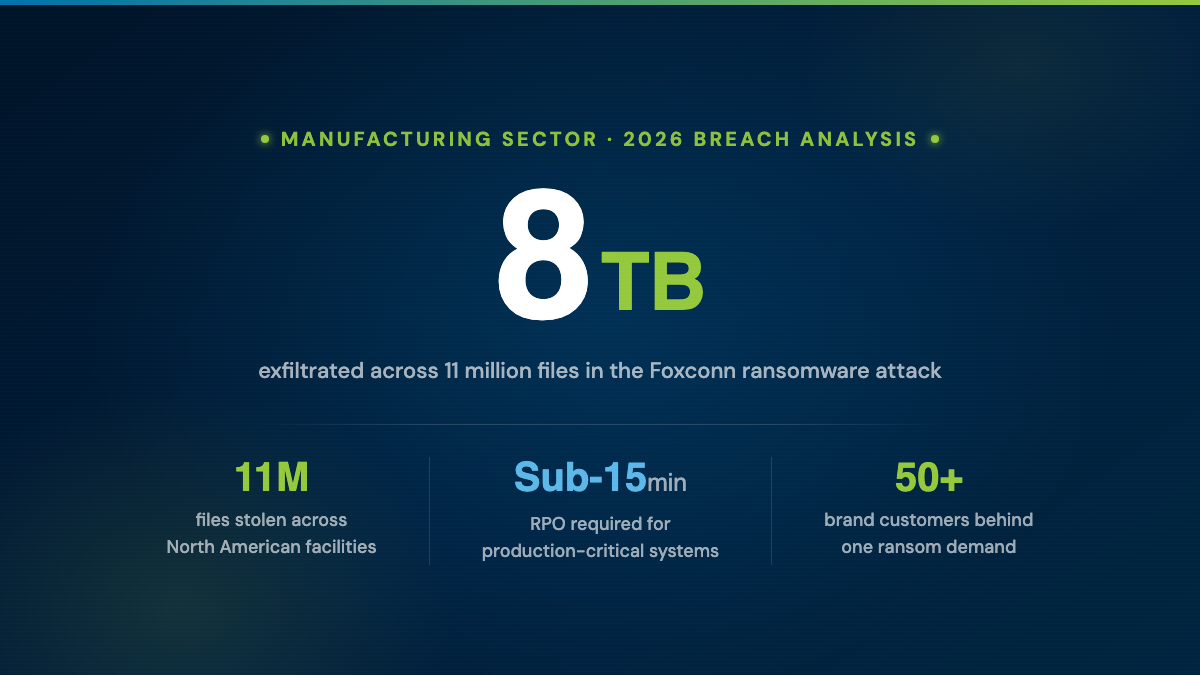
Get your data back in less than 15 minutes. When every minute of downtime costs money, speed is everything.
One Click to Set Up. One Click to Recover.
No complex configurations. No agents to install. Connect your M365 tenant, and CyberFortress handles the rest—automated backups, monitoring, and instant recovery.
Connect
Authorize CyberFortress to connect to your Microsoft 365 tenant. One-click setup—no agents, no downloads, no configuration headaches.
Protect
Automated cloud-to-cloud backups run continuously across Exchange, SharePoint, OneDrive, and Teams. Every message, file, and conversation—covered.
Recover
Restore anything—a single email, an entire mailbox, a SharePoint site—in minutes. Granular search and one-click recovery, or call our experts 24/7.
Is Your Data Really Protected?
Answer 7 quick questions to find out where your backup strategy stands and what to do about it.
Your Backup Assessment
Here is what we found based on your answers.
Backed by CyberFortress Recovery Experts
CyberFortress has protected 20,000+ businesses for over 20 years. Our certified recovery professionals are available around the clock—real humans who pick up the phone and solve problems quickly.
- 24/7 human support
- Veeam-powered
- Granular recovery
- 200M+ M365 users protected
- SOC II compliant
- HIPAA compliant
- PCI-DSS compliant
- Recovery in under 15 minutes
Ready to Protect Your Microsoft 365 Data?
Talk to a Backup SpecialistProtect Your Microsoft 365 Data.
Share a few details and a CyberFortress specialist will reach out to discuss protecting your Microsoft 365 environment.