Your server backup can’t see inside Docker.
Volumes, database containers, Compose files, locally built images: the state your applications actually run on hides where conventional backup never looks. Trinity protects it with automated, immutable backups, watches it with continuous monitoring and threat detection, and recovers it with checksum-verified restores. One collector, one console, built for running many customers.
The Docker blind spot.
Containerized workloads escape conventional backup, and attackers know it. Three gaps Trinity closes:
The data lives where file backups can’t see.
Named volumes, bind mounts, database containers, Compose files, and locally built images hold the application state that a server-level backup walks right past.
The problems hide inside the containers.
Restart loops, containers running as root, critical CVEs baked into images, suspicious processes, and malicious connections all sit invisible to backup tooling.
The backups themselves are now targets.
Modern ransomware goes after recovery data first, deleting or encrypting backups before it ever touches production. A backup an attacker can delete is a hostage, and immutability with Object Lock takes it off the table.
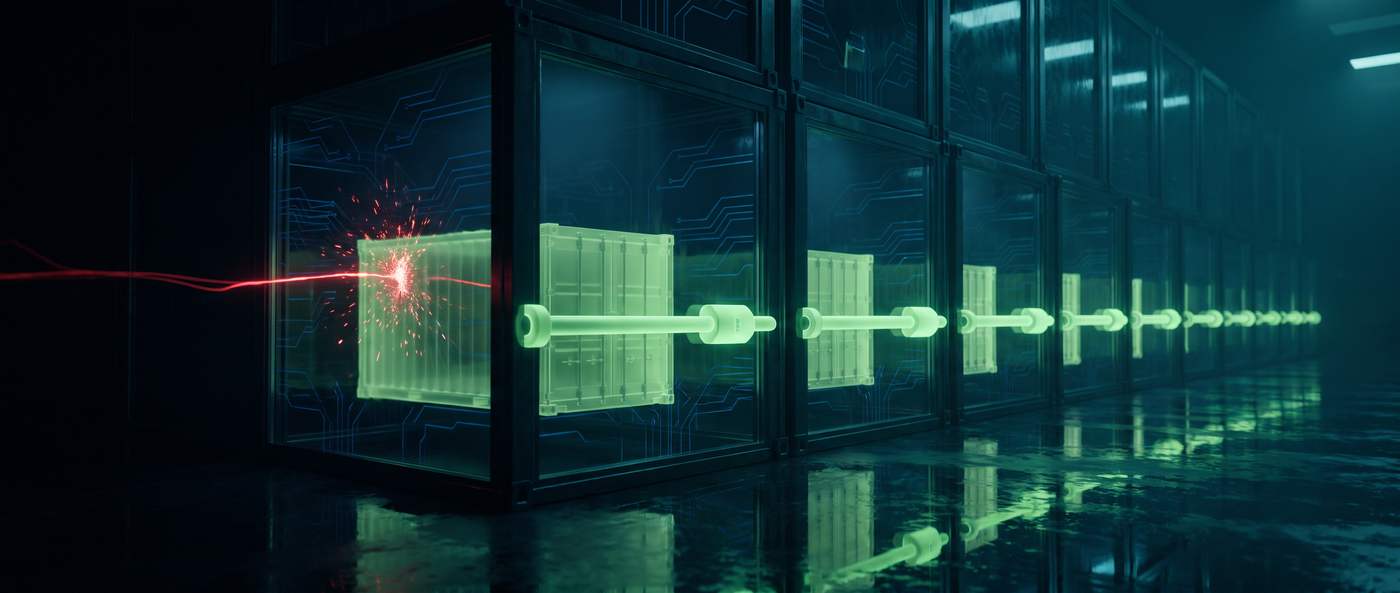
Complete cyber resilience for Docker.
Docker-aware backup
Named volumes, bind-mounted directories, Compose files, container configurations, custom networks, and selected local images, all protected. Application-consistent dumps for PostgreSQL, MySQL, MariaDB, and MongoDB containers, with size and content previews before every on-demand backup.
Immutable recovery points
S3-compatible Object Lock keeps protected backups from being deleted or overwritten until the configured lock period expires, even when administrative credentials are compromised. The attacker with your admin password still can't touch your recovery data.
Controlled restoration
Download recovery points or restore directly through Trinity. Pick all volumes or a few, include protected host directories, and optionally stop and restart containers. Checksums validate every restore, so what comes back is what went in.
Health and operational monitoring
CPU, memory, disk, container health, restarts, volume growth, Docker versions, collector status, and full backup history in a single host view. Hosts check in about every minute.
Threat and vulnerability detection
Critical CVEs in images with fix guidance, root and privileged containers, suspicious processes, malicious network connections, SSH attacks, and application errors, surfaced as they happen.
Guided remediation
Every alert arrives with an AI-assisted summary, likely cause, recommended actions, and a remediation plan: stop a compromised container, block a malicious IP, pause and preserve. Nothing runs without administrator approval, and every action is logged.
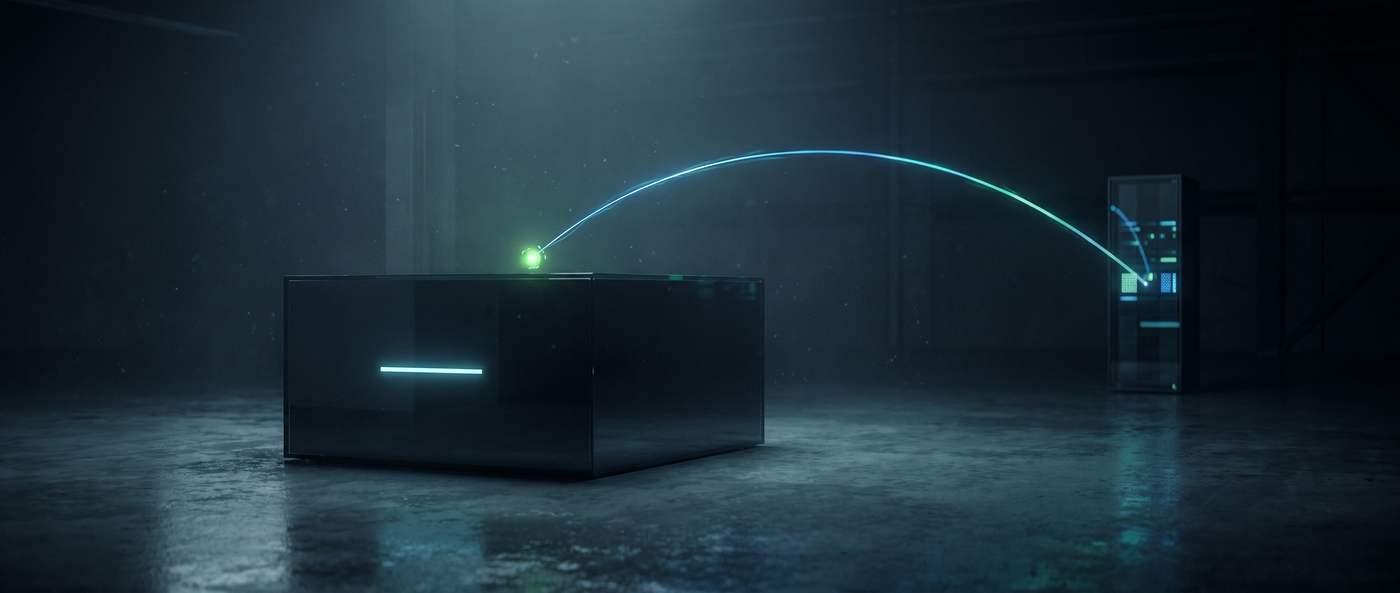
How It Works
Up and running in three steps.
Enroll the host
Select the customer, name the host, and set the backup policy, retention, and immutability in the Trinity console.
Install the collector
Paste one generated command on the Docker host. The lightweight collector registers securely, starts as a service, and begins checking in.
Protect and monitor
Run backups on demand or schedule them every 6 hours, 12 hours, daily, or weekly. Trinity reports health, security, and recovery status from then on, around the clock.
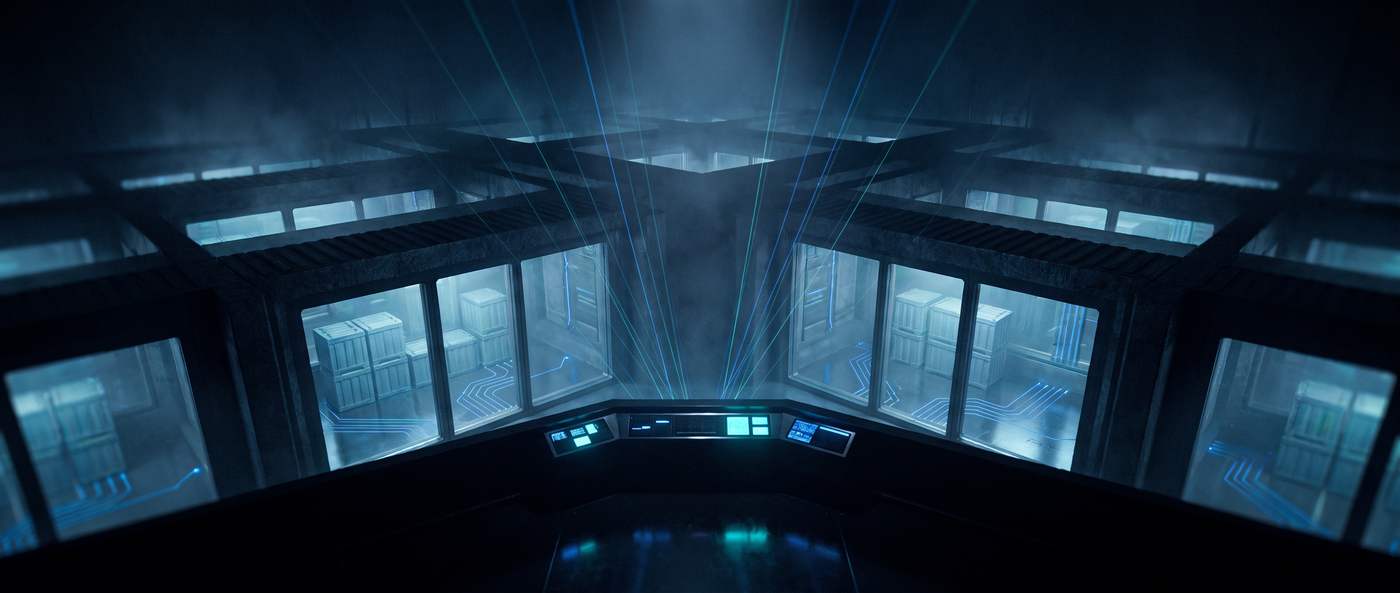
One console. Every customer. Strict walls between them.
Run your whole book of business from one place while each customer’s hosts, alerts, policies, and recovery data stay strictly tenant-scoped.
Tenant-scoped everything
Hosts, alerts, and backup policies scoped to each customer’s tenant.
Isolated recovery data
Recovery data isolated tenant to tenant, with per-customer retention and immutability.
Admin-gated actions
Restores, deletions, and remediation gated behind admin privileges.
Fleet view, worst first
A centralized fleet view that surfaces what needs attention first: offline hosts, failed or overdue backups, active security alerts, critical vulnerabilities, and open remediation work.
Built to be trusted on the worst day.
The engineering under the hood assumes things go wrong, because that’s the day this product exists for.
Honest by design.
A backup that skipped items reports as degraded. The word “success” stays reserved for backups that earned it. A backup you can’t trust the status of is just a guess with a green checkmark.

Docker protection is one pillar of the fortress.
Docker Backup & Restore runs on the Trinity Platform, which brings prevention, detection, and recovery into a single command center. The same console, the same collector model, and the same recovery team extend to the rest of your infrastructure as your protection needs grow.
Prevent
Proactive hardening: DR assessments, vulnerability remediation, patching, segmentation, and access control that close the gaps attackers count on.
Detect
Failed backups, unauthorized access, ransomware IOCs, and anomalies, surfaced and contained in minutes, around the clock.
Recover
Validated, drilled, timed restores of clean data, with proof it works.
Everything on this page, built for forwarding.
A two-page PDF made for sharing with the rest of your team: what Trinity delivers for Docker, the three-step deployment, the engineering safeguards behind every backup, and the host requirements.
Download the Solution Brief →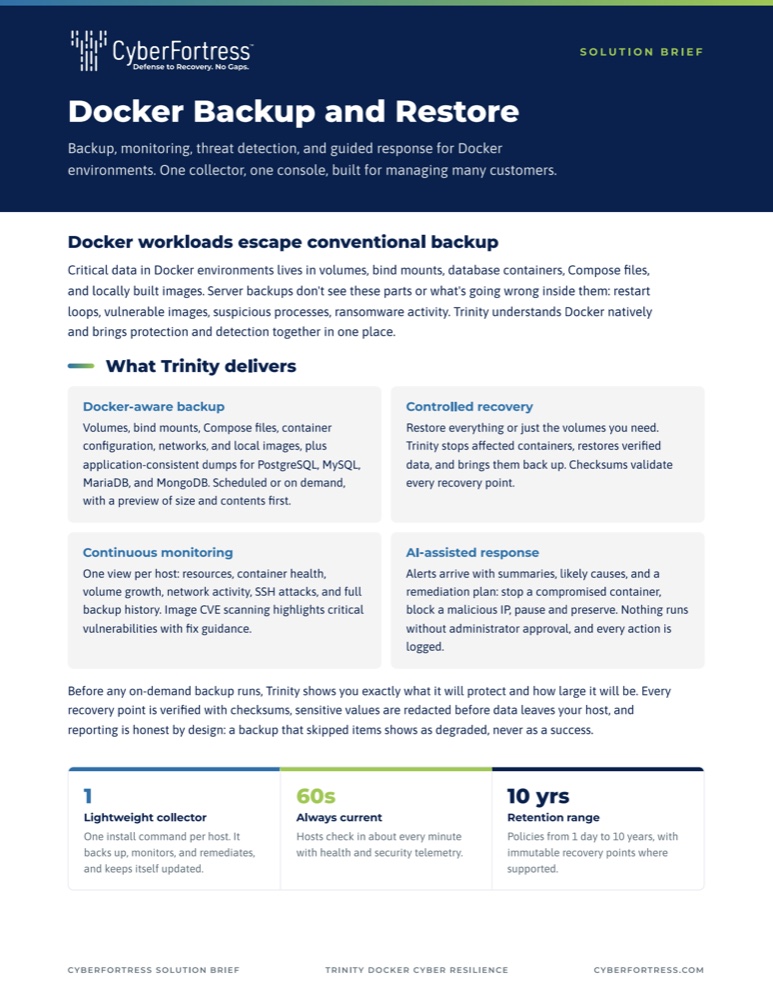
Trusted By
Industry leaders protect their data with CyberFortress














Containers ship fast. Make sure they come back the same way.
See Trinity Docker Backup & Restore against your own hosts.
Back up containers like they matter.
Tell us about your Docker environment. A specialist will show you how to protect and restore containers and volumes.