Managed Veeam BaaS vs DIY Veeam for Lean IT Teams
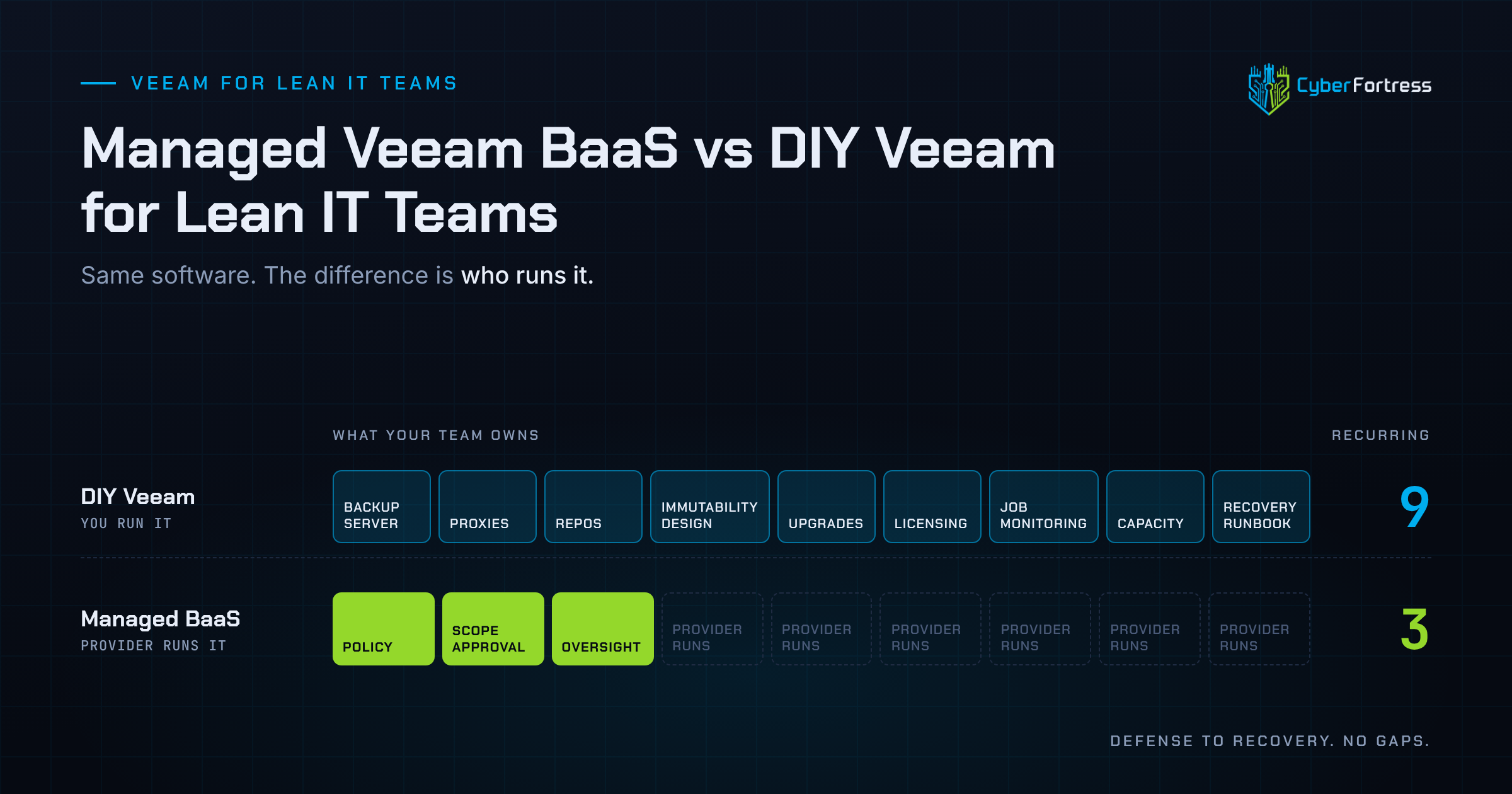
The software is the same. What differs is who runs it. DIY Veeam gives you full configuration control and requires you to own repositories, patching, immutability design, monitoring, and recovery. Managed Veeam Backup as a Service gives you the same engine with the infrastructure, operations, and recovery assistance included. For a lean team, the deciding factor is whether anyone has time to operate backup infrastructure properly.
What do you own in each model?
With DIY Veeam you own the backup server, proxies and repositories, the hardened or object-lock storage design, version upgrades, license management, job monitoring, capacity planning, and the recovery runbook.
With managed Veeam BaaS the provider owns the infrastructure and day-to-day operations, and you own policy decisions, scope approval, and oversight. That is nine recurring responsibilities against three.
Where does DIY Veeam make sense?
- You have staff with real Veeam depth and time allocated to it, beyond familiarity.
- You need unusual configurations, custom scripting, or tight integration with in-house tooling.
- Data residency or contractual constraints require infrastructure you control directly.
- You already run a hardened repository with immutability and have tested recovery from it.
That last one is the honest gate. Most teams who believe they qualify have the repository and have never tested the recovery.
Where does managed Veeam BaaS make sense?
- Nobody owns backup as a named responsibility with protected time.
- Immutability and credential isolation exist on the roadmap and not yet in production.
- Nobody has performed a full restore in the last year.
- Upgrades and capacity planning keep slipping behind project work.
- You need audit or insurance evidence without building a reporting process.
- Recovery needs to be someone’s obligation at 2 a.m.
What does each cost in practice?
DIY looks cheaper on the invoice: licensing plus storage and hardware. The unpriced portion is engineering hours that includes repository design, immutability configuration, monitoring, upgrade cycles, and recovery testing recur forever.
Managed BaaS prices those hours in, usually per workload or per terabyte. Compare over three years and include the cost of one poorly executed recovery since that is the scenario the whole spend exists to prevent.
How do you avoid the worst of both worlds?
The failure mode to avoid is DIY Veeam operated at managed-service expectations. A capable platform, configured once during a good quarter, monitored by nobody, with a recovery path that exists on a wiki page and has never been walked.
If you keep it in-house, commit to a named owner, immutable repositories, monthly job review, and quarterly restore tests. A backup you’ve never restored is just a guess, whichever logo is on the console. If you cannot commit to those four things, the honest choice is managed.
Frequently asked questions
Can we migrate existing Veeam backups into a managed service? Often yes, though retention history may not transfer intact. Ask specifically how existing restore points are handled and whether your retention clock restarts.
Does managed Veeam BaaS include immutability? It should. Ask which mechanism is used, how long the lock holds, and confirm your own administrators cannot override it.
Next step
CyberFortress is a 3x Veeam CSP of the Year with Vanguard-level engineers, running Veeam BaaS and DRaaS as a managed operation with the restores tested and timed.
A backup you have never restored is a guess. Trinity turns it into proof.
Seven questions show where your recovery plan stands today. Or skip ahead and talk to a CyberFortress recovery specialist about your environment.
More from the Fortress
-
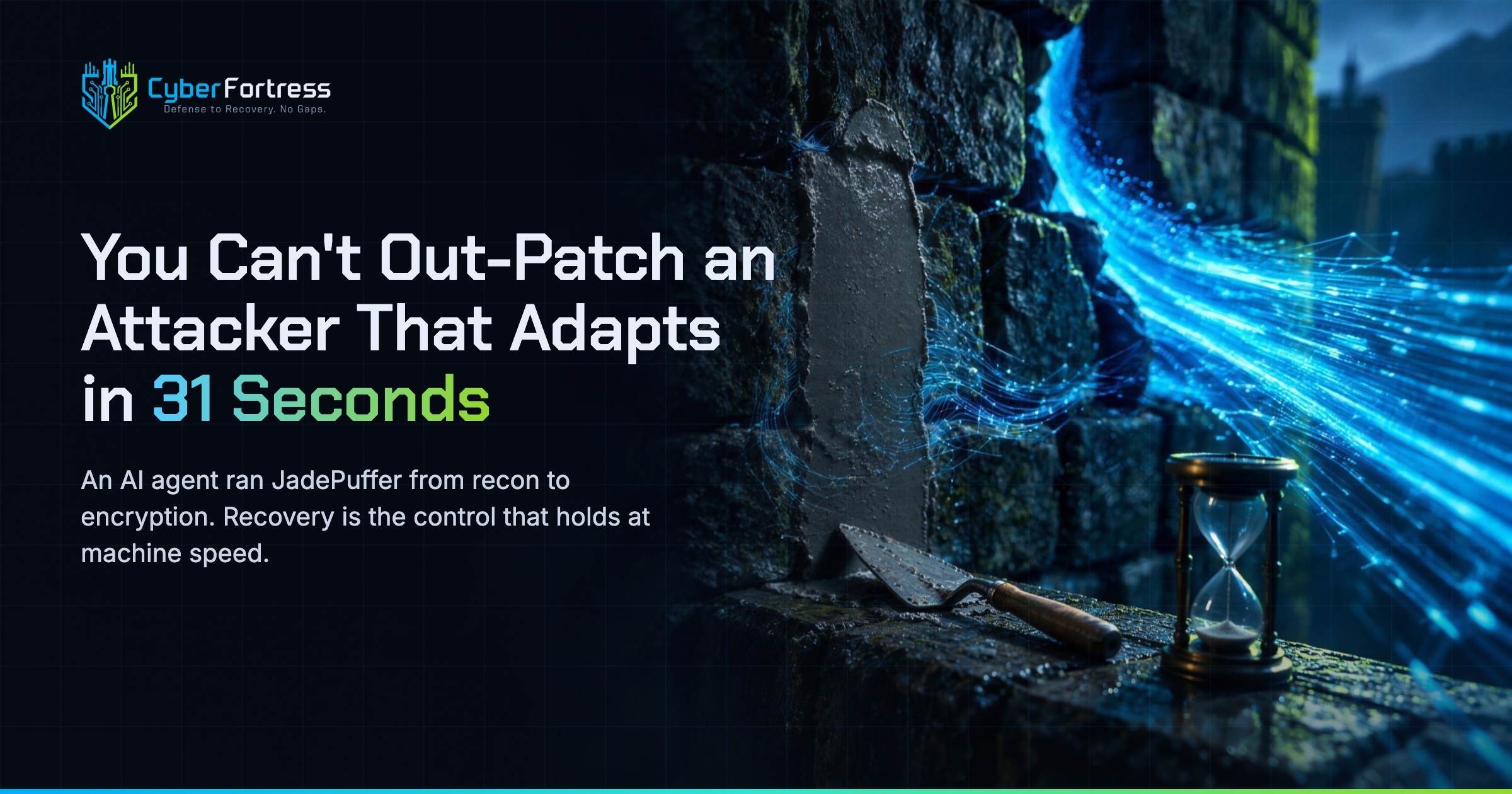
You Can’t Out-Patch an Attacker That Adapts in 31 Seconds
Researchers have documented what they are calling JadePuffer: a ransomware operation reportedly run end-to-end by an autonomous LLM…
-
Managed Veeam BaaS vs DIY Veeam for Lean IT Teams
The software is the same. What differs is who runs it. DIY Veeam gives you full configuration control…
-
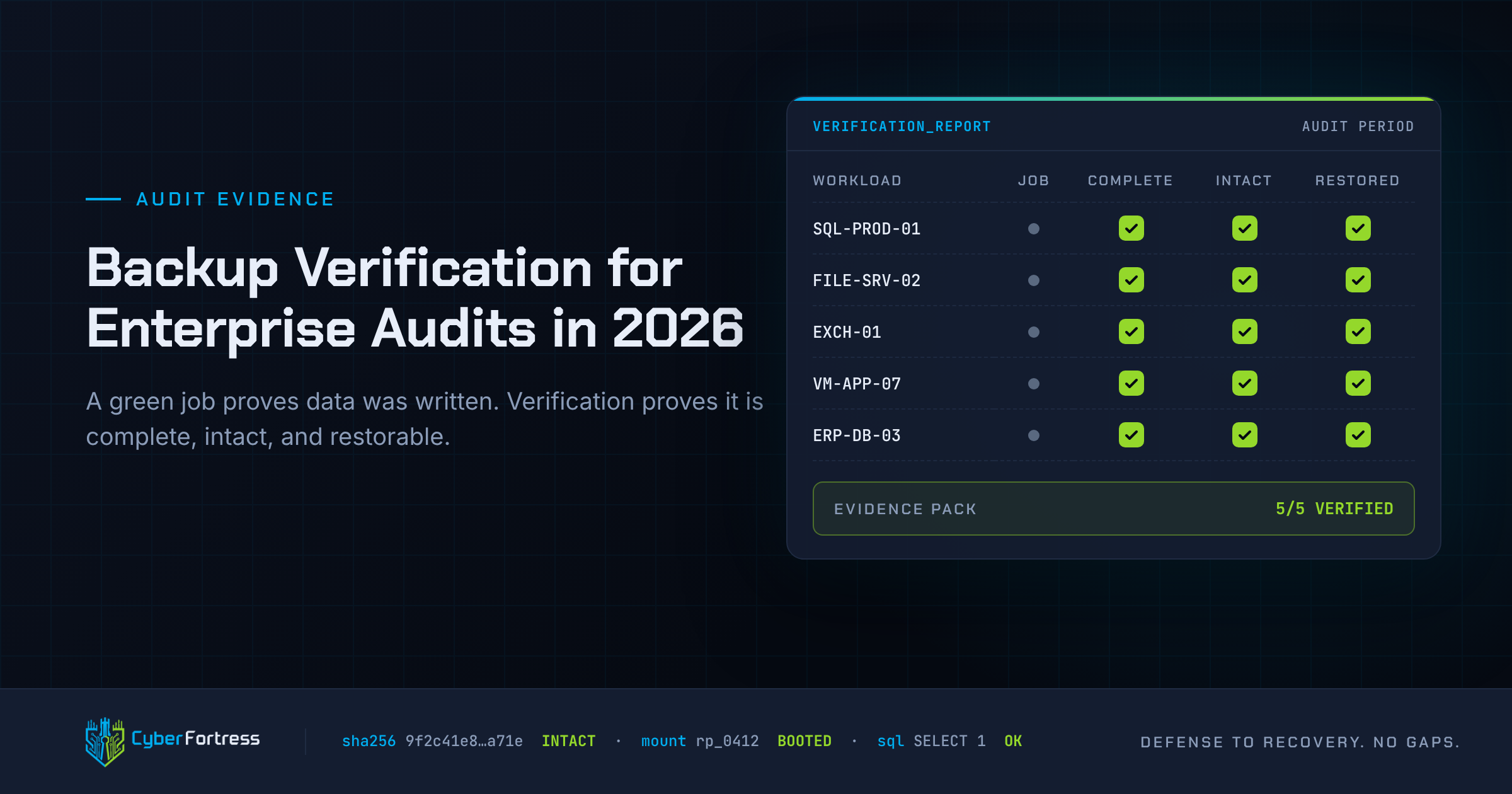
Backup Verification for Enterprise Audits in 2026
Audits fail because a successful backup job proves only that data was written. Auditors want evidence of scope,…
-
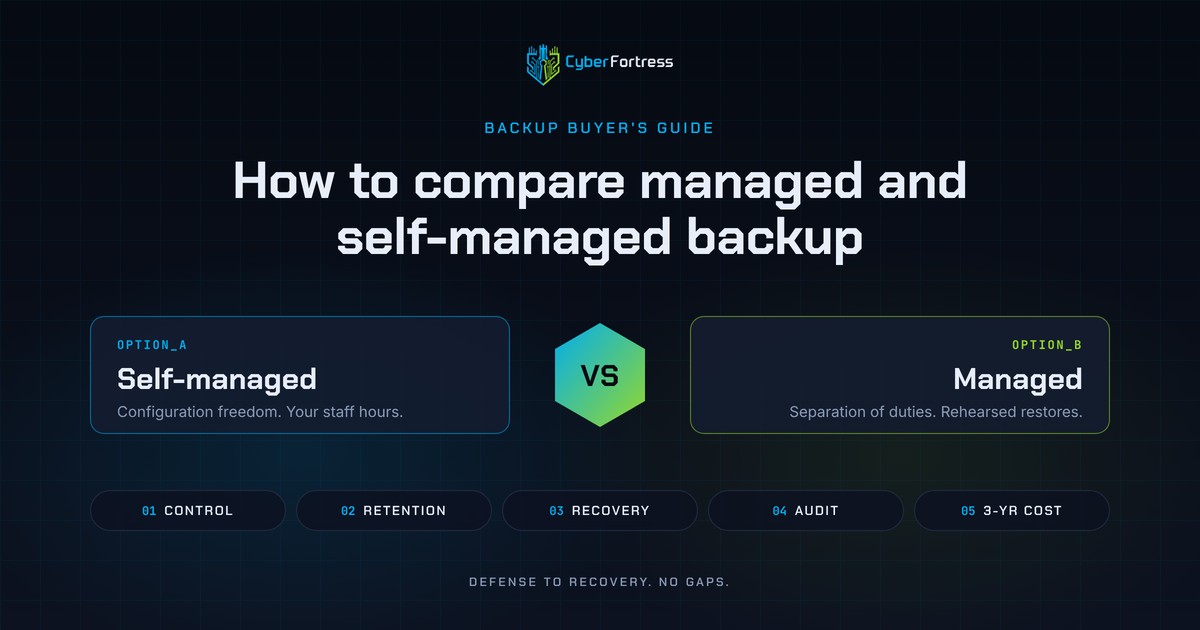
How to Compare Managed and Self Managed Backup
Compare the two on five dimensions, in this order: control, retention and immutability, recovery capability, audit readiness, and…