DATA PROTECTION TRENDS, NEWS & BACKUP TIPS
Protecting Law Firm Data: Ransomware, Compliance, and Resilience
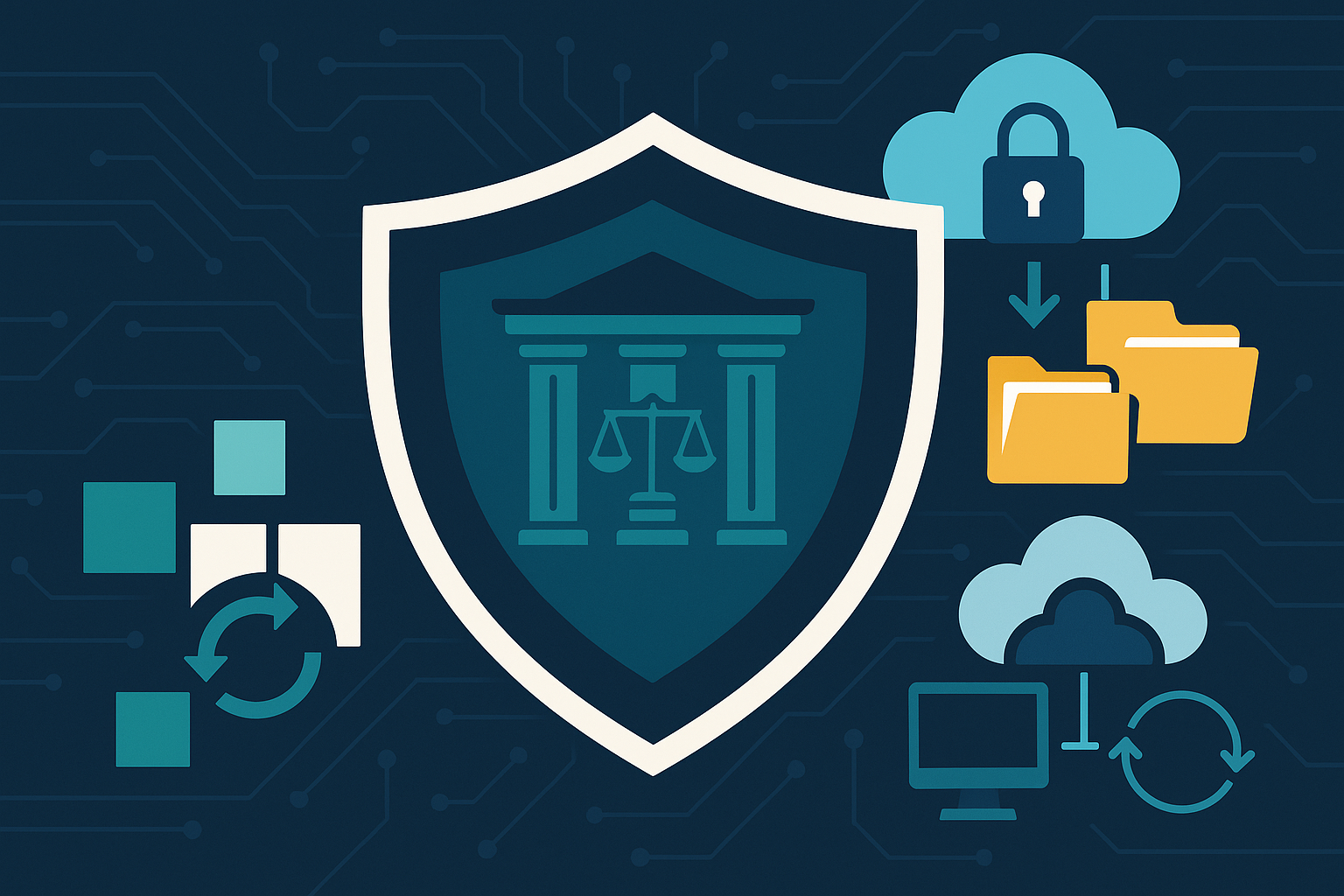
Law firms manage some of the most sensitive information in business. Client files, privileged communications, and evidentiary data make firms attractive targets for cybercriminals and raise the stakes for compliance. Protecting that data is about repeatable processes, documented recovery plans, and verified backups that keep the practice running when something goes wrong. This post covers the top risks for law firms, practical steps to improve your posture, and where CyberFortress BaaS, DRaaS, and BRaaS fit.
Why Law Firms Are High Value Targets
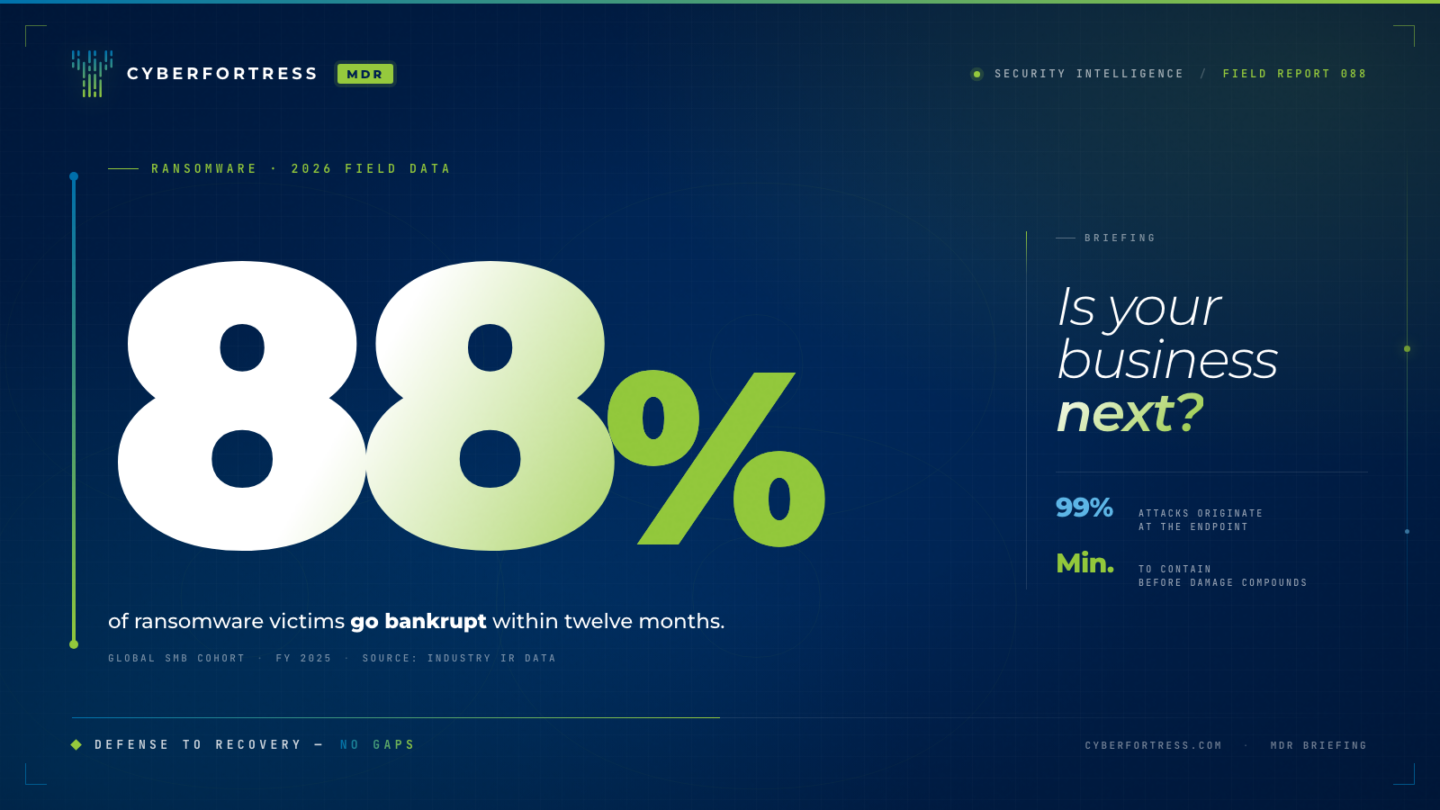
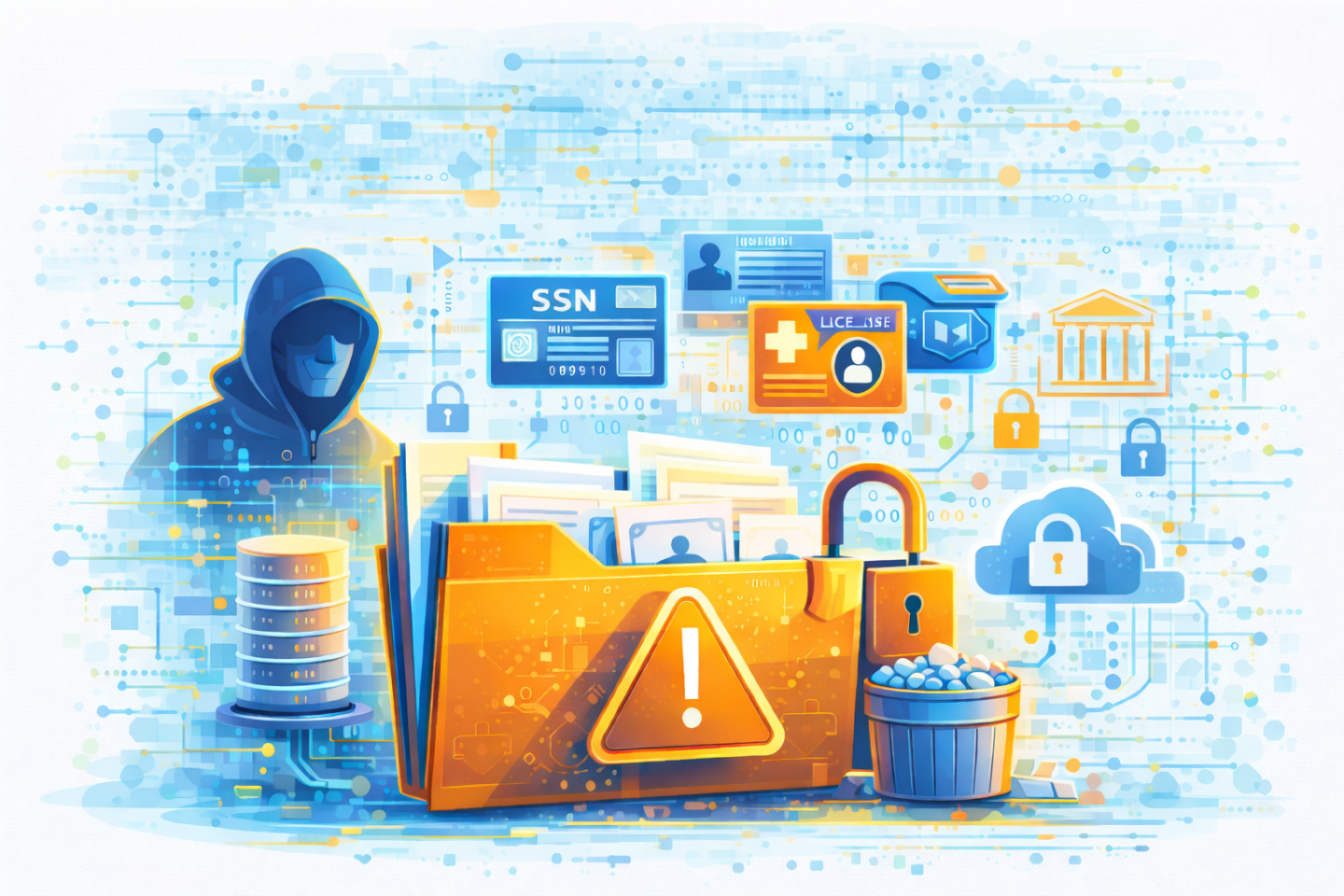
Firms hold confidential, high impact data and operate against hard deadlines. That combination makes downtime and data loss especially costly. Ransomware is the leading risk because it both encrypts files and threatens to leak stolen data. Even when no ransom is paid, encrypted systems stall casework, impede court filings, and damage client trust. Smaller firms are not exempt. Attackers often automate their campaigns and look for the path of least resistance. A single unpatched server, a reused password, or a misconfigured remote access tool can open the door.
Compliance and Client Confidentiality
Ethical and legal obligations add pressure. ABA rules require reasonable efforts to prevent unauthorized access to client information. Many firms also touch regulated data such as protected health information or consumer data that triggers state or international privacy laws. Practically, this means tighter access controls, stronger identity protections, encryption, and a documented incident response plan. After an incident, regulators and clients may ask for evidence that backups were protected, recovery was tested, and data was handled according to policy. Being able to show those controls matters as much as having them.
Disaster Recovery is a Business Requirement
If systems go down, your recovery timeline must align with how legal work actually happens. Recovery Time Objectives define how quickly you need to be operational. Recovery Point Objectives define how much data you can afford to lose between backups. For many firms, acceptable RTO is measured in hours. Acceptable RPO may be measured in minutes for key systems such as document management, email, and practice management databases. Meeting those targets requires more than copying files. You need a way to restore applications, dependencies, and access paths in the right order, with tested runbooks and clear roles.
Practical Steps for IT Teams
- Backups with an offsite, immutable copy. Follow the 3-2-1 rule. Keep three copies on two media, with one offsite. Use encryption and immutability to guard against ransomware tampering. Test restores on a schedule and record results.
- Identity and access hardening. Enforce multifactor authentication everywhere possible, especially for email, VPN, and admin accounts. Use least privilege, dedicated admin workstations, and conditional access where supported.
- Patch and vulnerability management. Maintain a monthly patch cycle with emergency processes for high severity vulnerabilities. Include firewalls, hypervisors, firmware, and SaaS apps in scope.
- Email and endpoint controls. Invest in modern email security with phishing protection and sandboxing. Standardize endpoint protection and baseline configurations for laptops, desktops, and servers. Disable macros by default and control script execution.
- Segmentation and secure remote access. Limit lateral movement with VLANs or microsegmentation. Replace exposed RDP with secure gateways. Log and monitor authentication events and admin actions.
- Incident response and DR exercises. Keep a written playbook that covers roles, communications, legal considerations, and client notifications. Run tabletop and technical recovery drills. Measure time to restore and document gaps.
Where CyberFortress Fits: BaaS, DRaaS, and BRaaS
CyberFortress focuses on protecting data and keeping businesses online when incidents occur. For law firms, three managed offerings map directly to the risks above.
Backup as a Service (BaaS)
BaaS automates secure, encrypted backups to an offsite repository that is monitored by specialists. Policies define what to protect and how often. Immutable storage prevents alteration or deletion of backup copies, which is critical during a ransomware event. The benefit for law firms is consistency. Backups run on schedule, errors are remediated, and restore tests are part of the service. When a file, mailbox, or database needs to be recovered, your team can restore quickly without digging through tapes or unmanaged devices.
Use BaaS when: your priority is reliable offsite backups, immutable retention, encryption at rest and in transit, and proof of successful backups for audits and clients.
Disaster Recovery as a Service (DRaaS)
DRaaS maintains a continuously updated replica of selected systems in a secure cloud environment. If your primary systems fail, you can initiate a failover and bring up those workloads in the cloud. Users reconnect to the same applications with minimal disruption while you remediate the primary site. Because DRaaS is designed for speed, it is the best way to meet aggressive RTO targets for core systems like document management, email, and time and billing.
Use DRaaS when: you must recover critical applications in hours or less, maintain service to clients during an outage, and avoid the cost and complexity of a second data center.
Backup Recovery as a Service (BRaaS)
BRaaS combines backup and on demand recovery. Your backups are stored in immutable, offsite repositories. When you need to recover more than files, CyberFortress can orchestrate turning those backups into running systems in a cloud environment. You get rapid recovery without paying to keep full replicas powered on at all times.
Use BRaaS when: you want faster recovery than a traditional backup only approach, but do not require continuous replication for every system. It is a pragmatic balance of cost and recovery speed for small and midsized firms.
Building Your Plan
An effective plan usually blends all three. For example, protect all servers and SaaS data with BaaS, designate a subset of high priority systems for DRaaS, and rely on BRaaS for secondary systems that still need timely recovery. Align protection tiers to business impact. Map each system to RTO and RPO targets, confirm the right service level is in place, and test twice per year. Document who approves failover, how users are directed to the recovery environment, and how you will return to normal operations.
Conclusion and Next Steps
Law firms succeed on trust, confidentiality, and responsiveness. A strong data protection strategy supports all three. Start with verified offsite backups, strengthen identity and access, and practice recovery on a realistic schedule. Use managed services where it improves consistency and speed. CyberFortress BaaS, DRaaS, and BRaaS give your firm dependable backups, rapid recovery options, and on demand resilience without adding headcount or building a second data center.
If you want to enhance your firm’s data protection strategy or validate your recovery targets, contact a backup expert at CyberFortress. We will help you choose the right mix of BaaS, DRaaS, and BRaaS so your team can keep cases moving and client data secure, no matter what happens.