How to Restore Older File Versions From Cloud Backup
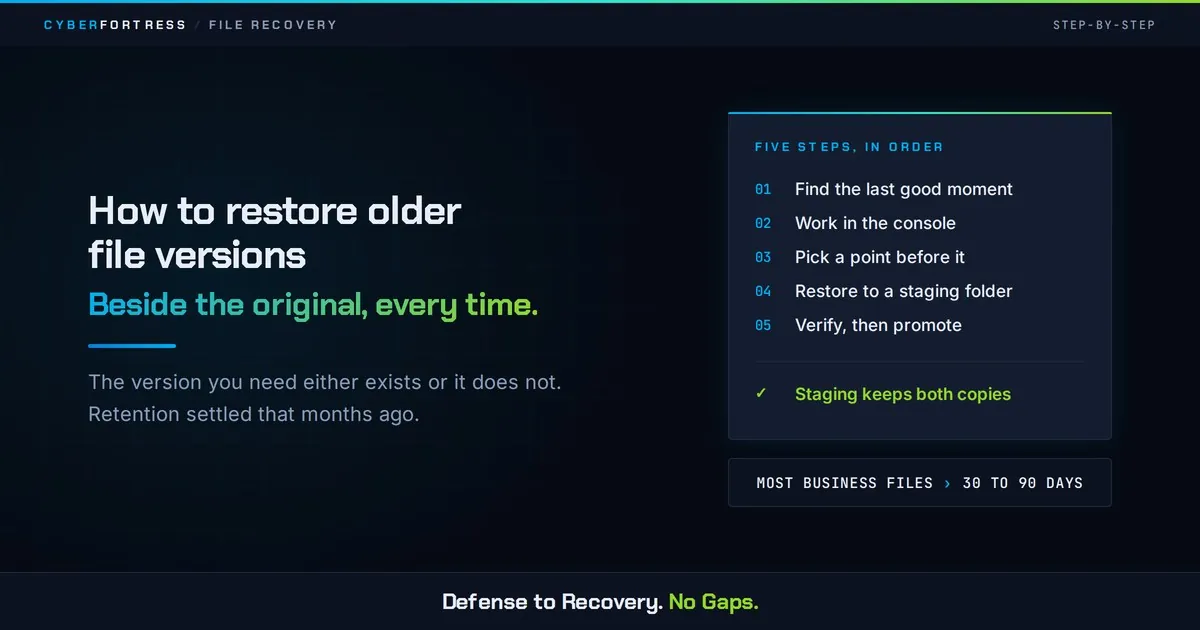
To restore an older version, find the file in your backup console, open its version history, pick a recovery point from before the change, and restore it to a new location rather than over the original. Restoring beside the current file preserves both copies and lets you compare before committing.
What is file versioning, and how far back does it go?
Versioning keeps successive copies of a file each time it changes, so you can return to an earlier state. Sync tools commonly keep weeks. Managed cloud storage backup is usually configured for months, and regulated environments often keep years.
Retention depth is set by your service and your policy, and it is the entire game. The version you need either exists or it does not, and that was decided months ago by a setting almost nobody reviews.
How do you restore an older version, step by step?
Step 1: Identify the last known good moment
Ask when the file was last correct. A date is enough, and it prevents you from restoring a copy that already contains the problem.
Step 2: Locate the file in the backup console, not the live share
Search by filename and path. Stay out of the live share while you work, because the live folder is where recovery mistakes become permanent.
Step 3: Choose a recovery point before that moment
Pick the most recent version that predates the change. If corruption may have accumulated over time, choose two candidate points so you have a fallback.
Step 4: Restore to an alternate location
Restore to a staging folder or a renamed copy, and open it before you touch anything else. Restoring straight over the current file converts one problem into two, and one of them used to be your only remaining good copy.
Step 5: Verify, then promote
Open the file, confirm content and formatting, check any linked references, then move it into place and inform whoever depends on it.
When does version history fail to help?
- The damage is older than your retention window, so no clean version remains.
- The file was never in scope, which is common for local project folders and application data.
- Corruption was introduced gradually, so every retained version already contains it.
- The share was encrypted by ransomware, and versions in the same account were encrypted too.
- Someone restored over the original before checking, destroying the only good copy.
Four of those five were decided by policy long before the incident, by people who had no idea they were making a recovery decision. Set retention and scope now, while the only thing at stake is an afternoon.
What about repairing a corrupted file instead?
Repair tools can sometimes salvage an office document or a database, and they hand you a best-effort result with no way to confirm what was lost. Treat repair as the last option once every restore path is exhausted.
A verified older version beats a repaired current one nearly every time, which is why database recovery best practices start with the recovery point.
Frequently asked questions
How many versions should we keep? Enough to cover the time it realistically takes someone to notice a problem. For most business files that means at least 30 to 90 days of history, with longer retention for financial and legal records.
Does version history protect against ransomware? Only when the versions are immutable and stored outside the credential boundary of the affected systems. Otherwise the versions are just more files to encrypt.
Next step
CyberFortress keeps versions in storage your production credentials cannot reach, and a specialist walks the recovery point selection with you when the file matters.
A backup you have never restored is a guess. Trinity turns it into proof.
Seven questions show where your recovery plan stands today. Or skip ahead and talk to a CyberFortress recovery specialist about your environment.
More from the Fortress
-

Whose Database Is Your Data In?
FulcrumSec published roughly 8.8 million people’s data from Manchester Airports Group over the first weekend of September 2026,…
-
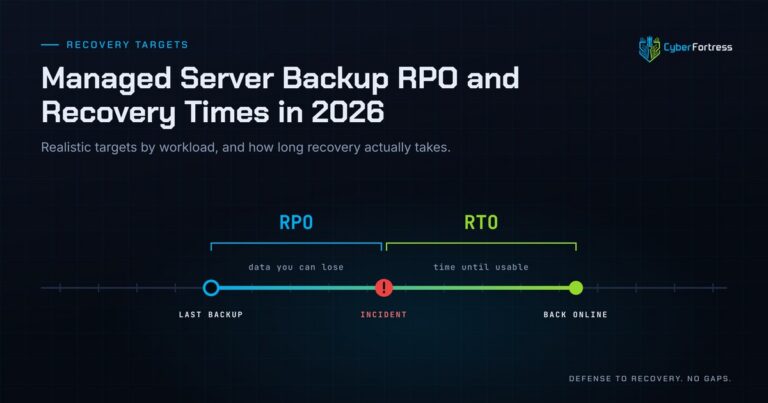
Managed Server Backup RPO and Recovery Times in 2026
For a 200-person company in 2026, a reasonable managed server backup posture is a 15-minute to 4-hour RPO…
-
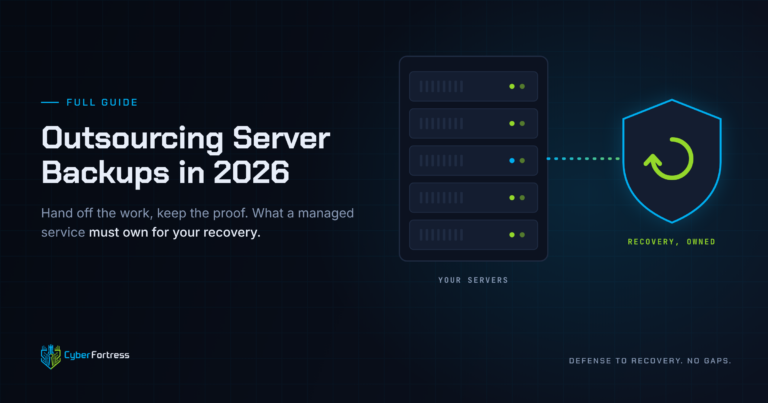
Outsourcing Server Backups in 2026 Full Guide
Outsourcing server backups works when the contract covers monitoring, remediation, verified restore testing, immutable offsite storage, and assisted…
-
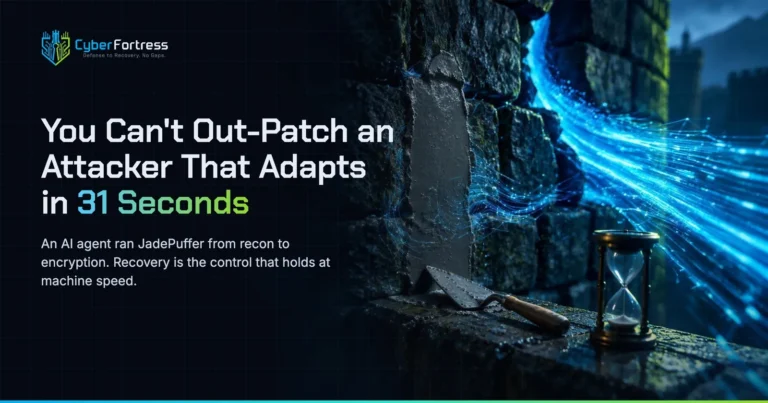
You Can’t Out-Patch an Attacker That Adapts in 31 Seconds
Researchers have documented what they are calling JadePuffer: a ransomware operation reportedly run end-to-end by an autonomous LLM…