DATA PROTECTION TRENDS, NEWS & BACKUP TIPS
How to Recover Data After a Breach: A Step-by-Step Guide for IT Teams

After a breach, the impact rarely stays contained to one system or one dataset. Confidentiality, integrity, and availability can all be affected through exposure, tampering, encryption, or deletion. Data recovery is how you stop the damage from becoming permanent, restore operations, and return to a trusted state.
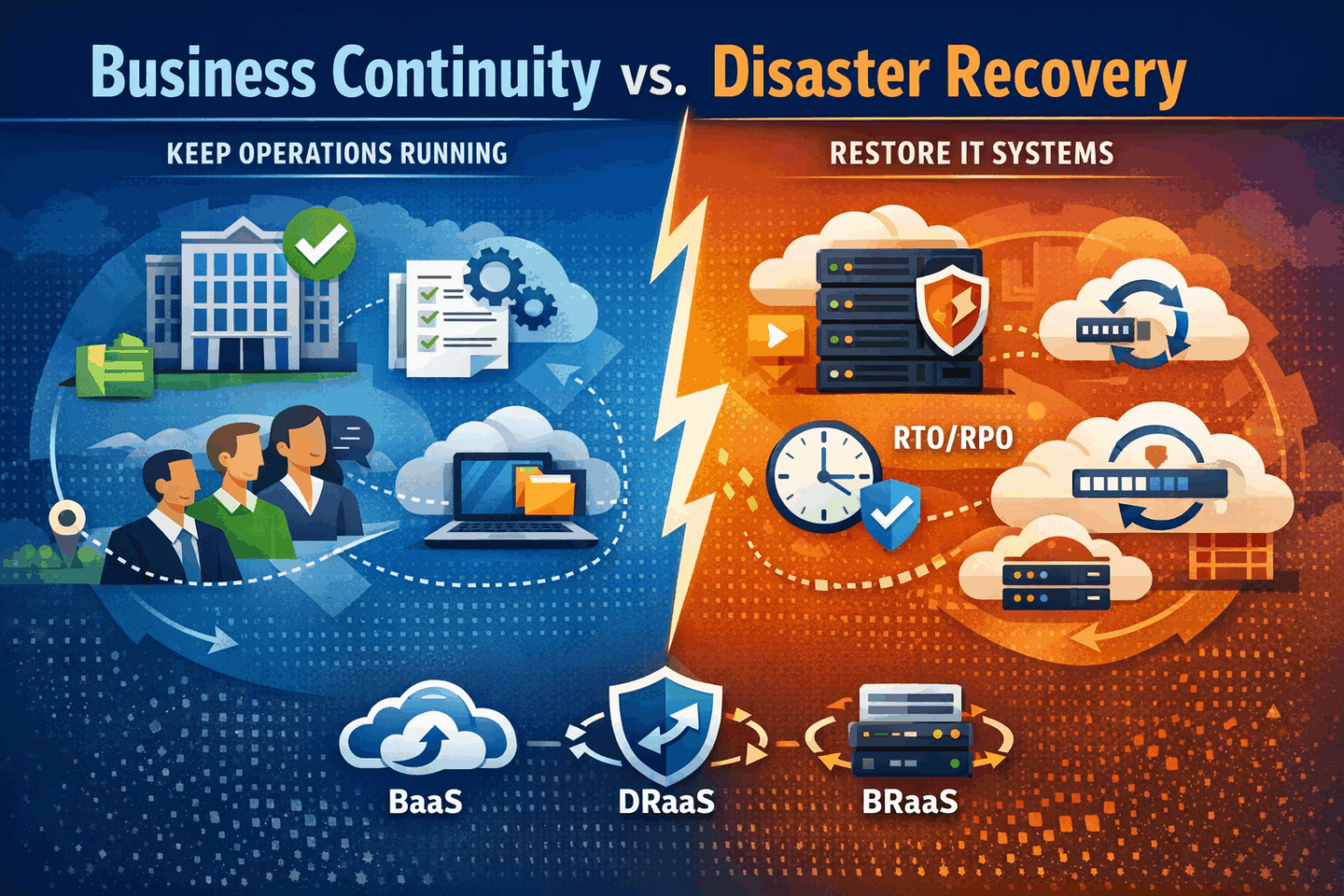
This guide walks through a practical, step-by-step recovery process you can use after a breach. It also highlights where CyberFortress can support your recovery with Backup as a Service (BaaS), Disaster Recovery as a Service (DRaaS), Business Recovery as a Service (BRaaS), and Managed Detection and Response (MDR).
What “data recovery after a breach” actually means
In breach recovery, restoring files is only part of the job. The larger objective is to restore a clean, verified environment while preventing reinfection and preserving evidence.
A complete recovery outcome includes:
- Clean restoration: systems rebuilt or validated, malware removed, persistence eliminated
- Data integrity: recovered data is correct, complete, and consistent
- Operational recovery: critical services restored in priority order aligned to RTO and RPO
- Assurance: validation and logging support confidence in the recovered environment
- Hardening: fixes are applied so the same path cannot be reused
Before you restore anything: stabilize and preserve
Many recovery failures happen early due to rushed restores, incomplete containment, or lost evidence. Move quickly, but do it in a controlled way.
1) Activate incident response and assign roles
Establish a single incident commander and clear owners for:
- Containment and network changes
- Endpoint and server remediation
- Backup and restore operations
- Identity and access control (IAM)
- Communications and documentation
- Legal and compliance notification workflows (as required)
2) Preserve evidence and baseline visibility
Before wiping or reimaging, capture what you can safely:
- Volatile data where appropriate (process lists, network connections, memory capture for critical systems)
- Disk images or snapshots of key impacted hosts
- Relevant logs: EDR, firewall, proxy, identity provider, VPN, email gateway, cloud audit logs, SIEM
Balance two needs: reduce harm now, and retain enough evidence to validate scope and root cause.
3) Contain aggressively, but surgically
Containment depends on the breach type, but common actions include:
- Isolate affected segments or hosts from the network
- Disable compromised accounts and rotate credentials, prioritizing privileged access
- Block known malicious IPs, domains, and indicators
- Pause replication jobs if you suspect corruption is being propagated
- Lock down backup systems to prevent deletion or encryption of recovery points
Step-by-step recovery workflow
Step 1: Determine the recovery target state
You need a confident answer to: “What point in time is safe?”
Identify:
- Earliest confirmed compromise time (or the earliest suspicious activity)
- Last known good backup or snapshot before compromise
- Whether data tampering occurred (integrity risk) or only exfiltration (confidentiality risk)
If you cannot confidently identify a safe point, treat it as an integrity incident and restore further back while you investigate.
Step 2: Triage systems by business impact
Build a prioritized recovery list:
- Tier 0: identity systems, core networking, backup infrastructure, security tooling
- Tier 1: customer-facing and revenue systems
- Tier 2: internal apps and shared services
- Tier 3: endpoints and lower criticality workloads
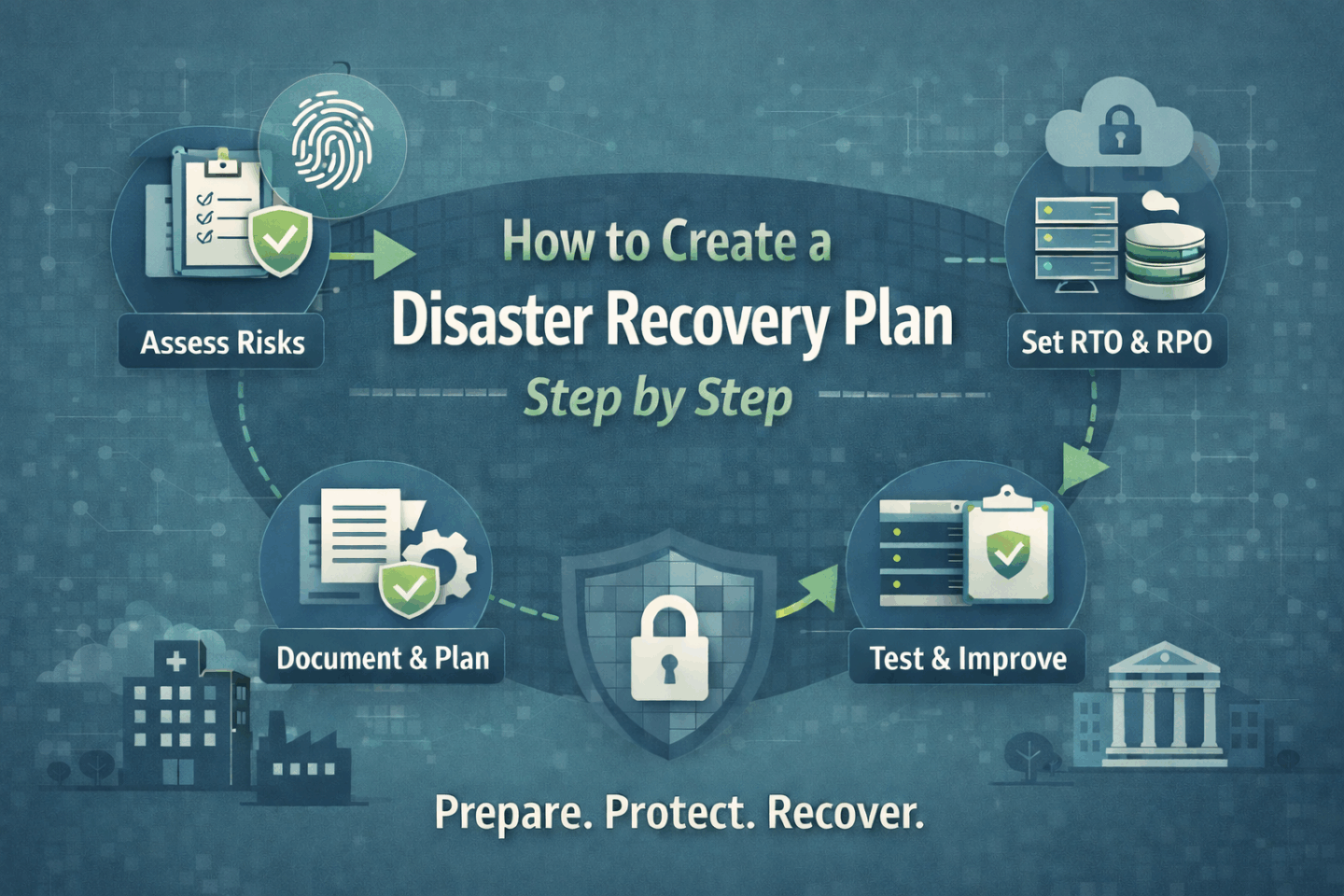
Tie each system to RTO and RPO targets so recovery can be measured.
Step 3: Rebuild before restore when compromise is likely
If the system was compromised, restoring onto the same operating system image increases risk.
Preferred approach:
- Provision clean infrastructure using hardened baselines
- Patch operating systems and critical dependencies
- Deploy EDR and centralized logging
- Restore application state and data from verified backups
- Validate integrity before production cutover
CyberFortress DRaaS can reduce rebuild time by enabling failover to a recovery environment while production is remediated.
Step 4: Restore data from backups with verification gates
Backups are only useful if they are clean, intact, and recoverable under pressure. Your restore process should include checkpoints:
- Backup integrity checks: confirm completion, retention, and immutability where possible
- Malware scanning: scan restored data sets and installers before reconnecting services
- Controlled restore order: restore dependencies first (directory services, databases, secrets, configuration stores)
- Access controls: restrict who can run restores and who can access backup consoles
CyberFortress BaaS and BRaaS are designed to support controlled recovery, including preserving recovery points and helping teams restore critical services confidently.
Step 5: Validate integrity and functionality
Do not declare recovery complete until you validate.
Validation checklist:
- Hash or checksum validation for critical datasets where possible
- Database consistency checks and application-level verification
- Confirm privileged accounts are clean and rotated
- Confirm persistence mechanisms are removed (new admin users, suspicious services, scheduled tasks)
- Confirm logging is intact and forwarding correctly
- Confirm backups resume and new recovery points are protected
Step 6: Monitor for re-compromise
Post-restore monitoring should be elevated for a defined window, often 14 to 30 days depending on severity.
Increase:
- EDR alert sensitivity for known indicators
- Identity anomaly detection (token misuse, MFA fatigue, unusual admin behavior)
- Lateral movement detection (remote execution tools, SMB scanning, new service creation)
- Data exfiltration patterns (large outbound transfers, new cloud sharing links)
CyberFortress MDR can help with 24×7 monitoring during the recovery period, including escalation and guided response.
Recovery considerations by breach scenario
Ransomware (encryption plus possible exfiltration)
Priorities:
- Protect backups from deletion and tampering immediately
- Identify encryption scope across servers, endpoints, VMs, and storage
- Rebuild systems and restore from a safe recovery point
- Assume confidentiality impact if exfiltration is suspected
Best practice: maintain at least one backup copy that is isolated or immutable so ransomware cannot modify it.
Unauthorized access (high integrity risk)
Priorities:
- Credential rotation, token revocation, and privileged access review
- Identify what was accessed, modified, or exfiltrated
- Validate integrity carefully because subtle tampering is possible
- Rebuild high-risk systems, especially those tied to privileged access pathways
Accidental exposure (misconfiguration or leaked credentials)
Priorities:
- Remove public access and revoke exposed credentials immediately
- Assess whether data was indexed, copied, or shared
- Rotate secrets and audit for misuse
- Prepare notifications if regulated data is involved
Destructive events (deletion, wipers, corruption)
Priorities:
- Stop writes to affected volumes to avoid overwriting recoverable blocks
- Restore from backups, snapshots, or DR replicas
- Engage specialists if backups are missing and storage recovery is required
The recovery architecture that makes incidents survivable
If you want recovery to be predictable, build toward these fundamentals:
- Strong backup hygiene: frequent backups, tested restores, clear retention policies
- Separation of duties: backup admin access distinct from domain admin where possible
- Immutable or isolated recovery points: reduce attacker ability to destroy backups
- Documented runbooks: dependencies, restore order, owners, and escalation paths
- Regular recovery testing: tabletop and technical restore drills
- Continuous monitoring and detection: shorten dwell time and reduce blast radius
CyberFortress supports this posture through BaaS and BRaaS to protect data and accelerate restores, DRaaS to bring critical systems back online in a recovery environment, and MDR to improve detection and response.
Incident ticket checklist
Containment
- Isolate affected hosts or segments
- Disable suspected accounts and rotate privileged credentials
- Lock down backup consoles and repositories
- Preserve key logs and snapshots
Recovery planning
- Identify safe recovery point (last known good)
- Define restore priority (Tier 0 to Tier 3)
- Confirm RTO and RPO for critical systems
- Choose rebuild versus in-place restore
Restore execution
- Provision clean infrastructure and patch
- Deploy EDR and logging first
- Restore dependencies, then applications, then endpoints
- Scan restored data sets and validate integrity
Validation
- Confirm services function and data is consistent
- Confirm persistence removed and access is controlled
- Confirm backups resume and new recovery points are protected
- Maintain elevated monitoring window
Post-incident
- Root cause analysis and corrective actions
- Update runbooks and access controls
- Schedule recovery test based on lessons learned
How CyberFortress can help during and after recovery
If your team is recovering while investigating scope and managing business pressure, CyberFortress can help you reduce downtime and regain control with:
- Backup as a Service (BaaS) to protect critical data and accelerate restores
- Disaster Recovery as a Service (DRaaS) to restore availability with failover and recovery environments
- Business Recovery as a Service (BRaaS) to support operational recovery and minimize disruption
- Managed Detection and Response (MDR) for 24×7 monitoring, faster detection, and guided response during the critical post-restore period
If you are recovering from a breach now, or you want to strengthen your recovery posture before the next incident, speak with a CyberFortress Expert. We can help you assess recovery readiness, validate backup and restore strategy, and build a recovery runbook that holds up under real-world pressure.