DATA PROTECTION TRENDS, NEWS & BACKUP TIPS
Cybersecurity Awareness Month: Essential Tips for SMBs
October is Cybersecurity Awareness Month, a global initiative that raises awareness about online safety and helps businesses protect themselves from cybercrime. Small and mid-sized companies should take note, because cybercriminals often see them as easier targets. In fact, the U.S. Small Business Administration reports that 43% of cyberattacks are aimed at small businesses, yet only 14% are adequately prepared. This year’s theme, “Stay Safe Online,” highlights four simple steps, strong passwords, MFA, scam awareness, and software updates that every organization can take to improve security.
Foster a Security Culture
Your employees can be your first line of defense. Lead by example and set clear policies around cybersecurity. Encourage everyone in the organization to use strong, unique passwords and to enable multi-factor authentication (MFA) for all their accounts. Periodically remind staff to stay alert for phishing emails or unexpected links, one wrong click can compromise your network. For example, the SBA emphasizes that a well-informed employee is often the best line of defense, recommending that companies “establish basic security practices and policies” such as strong passwords and MFA.
- Use strong, unique passwords for each account (consider a password manager to keep track).
- Enable multi-factor authentication (MFA) on all important systems and apps.
- Train everyone to spot phishing and avoid suspicious links or attachments. (If someone is unsure about an email or message, have them flag it or report it instead of clicking.)
Leadership should model these habits to make security a priority at every level.
Secure Your Devices and Network
Lock down your technical “house” by keeping software and hardware up to date and properly configured. Install operating system and application updates promptly – patches often fix security flaws, so delaying them can leave you exposed. Use a firewall to protect your network, and secure your Wi-Fi router with a strong, non-default password. (Hiding the network name/SSID and restricting unknown devices can add extra safety.) Make sure every computer and mobile device is protected with up-to-date security software (like antivirus).
- Keep all systems and apps patched and updated at all times.
- Use a firewall and secure your Wi-Fi network (change default admin passwords, disable unnecessary guest access).
- Install and update anti-malware/antivirus on every device connected to your network.
Backup and Disaster Recovery
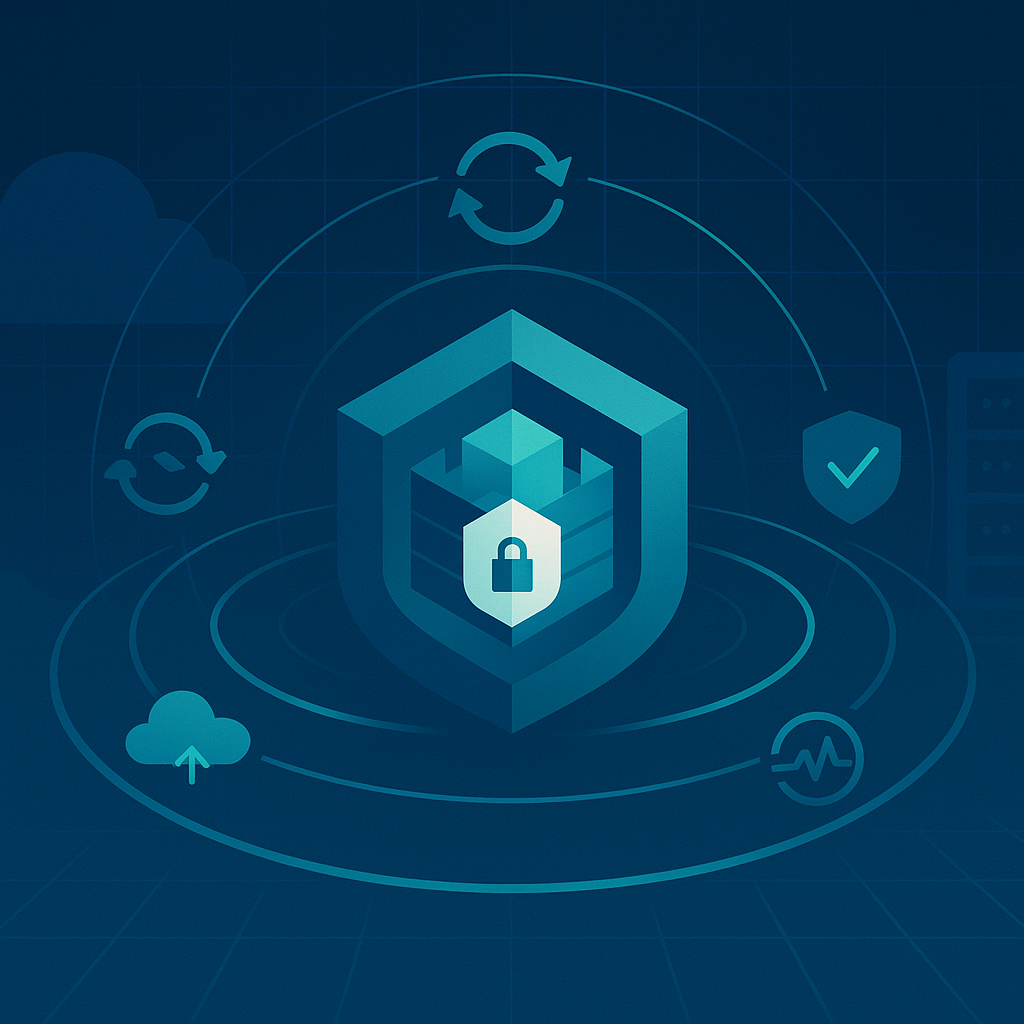
No cybersecurity plan is complete without backups. Regularly back up your critical data and keep copies offsite or in the cloud. That way, if ransomware or hardware failure hits you, you can restore files from backups instead of paying a ransom or rebuilding everything. The SBA warns: “You don’t want to be one cyberattack away from losing everything… back up… through a cloud service”.
Managed services can simplify this. With a Backup-as-a-Service (BaaS) solution, your data is automatically encrypted and sent to secure cloud storage on a schedule. Experts handle the backups for you, so you can restore individual files or entire systems quickly when needed. Disaster Recovery as a Service (DRaaS) takes it further: your servers and applications are continuously replicated to an off-site cloud. If your main site goes down, DRaaS can spin up the latest copy of your servers and applications in the cloud, so your business keeps running.
Finally, test your recovery process. A BRaaS (Backup-Recovery as a Service) platform makes this easy. For example, CyberFortress’s BRaaS uses your off-site backups to launch a live recovery environment on demand. It can automate failover drills and even satisfy audit requirements by documenting successful recoveries. Regular testing means you’ll know exactly how to recover quickly if trouble strikes. As CyberFortress notes, BRaaS can help you “achieve recovery time objectives (RTOs) in hours instead of weeks by automating the entire failover process”.
Additional Tips and Next Steps
Beyond technology, simple policies can help: limit administrator rights so fewer users can make system-wide changes, require VPNs for remote workers, and encrypt sensitive data wherever possible. Take advantage of free resources: agencies like CISA and the National Cyber Security Alliance provide guides and training (for example, the Stop.Think.Connect campaign and SBA cybersecurity events) to keep you informed.
This Cybersecurity Awareness Month, put these tips into action. You don’t have to go it alone, contact CyberFortress to speak to an expert about protecting your data and planning your recovery. Our team can help you set up BaaS backups, DRaaS failover systems, and BRaaS testing so you can focus on running your business safely and confidently.