AI Try or Cry? Practical Lessons for IT Teams Adopting AI Without Breaking Things
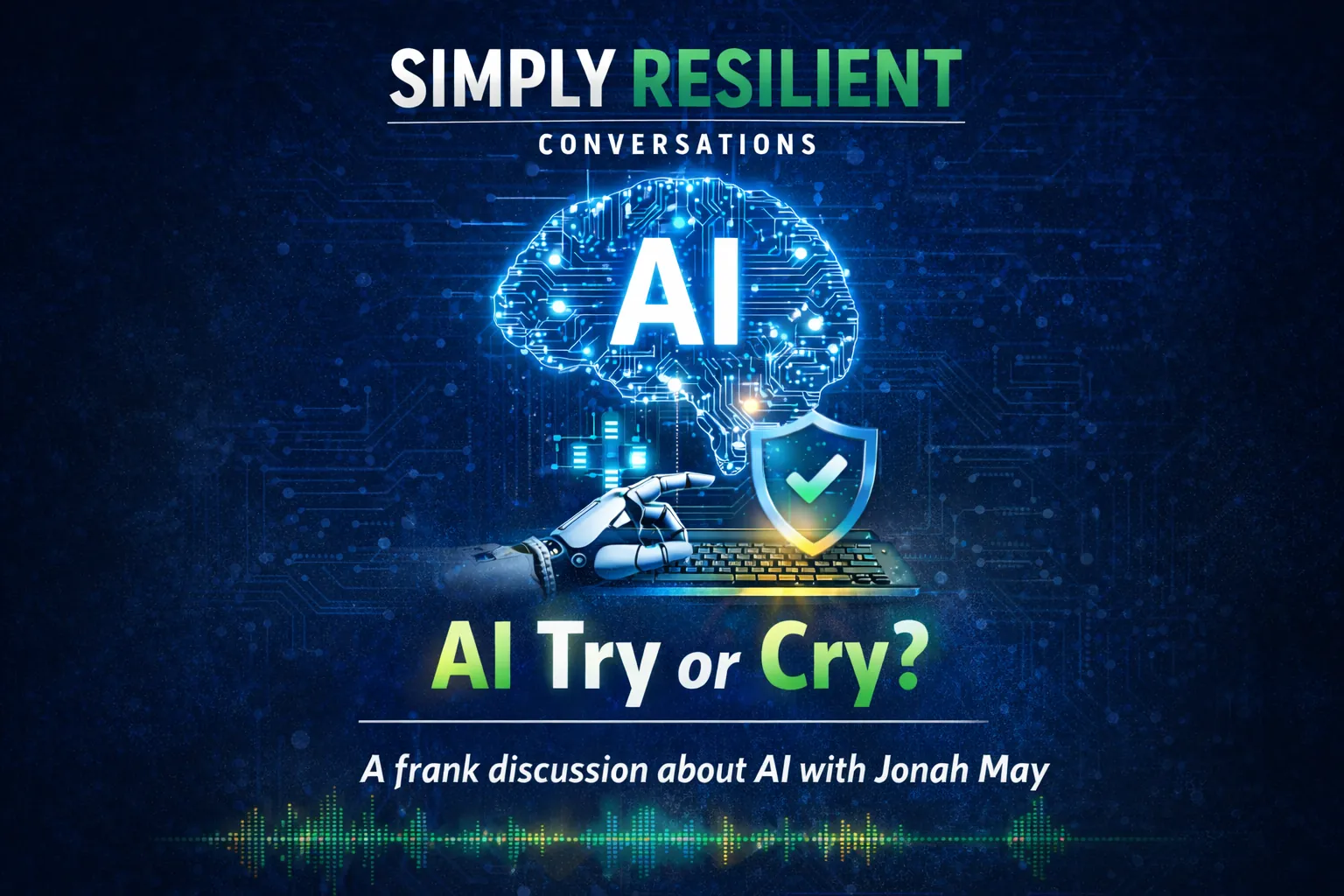
AI earns a place in IT operations when it measurably reduces time, improves accuracy, or helps handle complexity without creating new failure modes, and a deterministic script is often the safer answer. The practical guardrails are keeping secrets and sensitive data out of cloud models, scoping least-privilege roles, logging everything AI touches, and requiring human approval before any destructive action.
Key Takeaways
- The useful question is not “How do we add AI?” but “What problem are we solving?” and “What is the safest, most reliable way to solve it?” In many cases a deterministic script or rules-based automation is the better answer.
- AI delivers real value in three areas today: rapid log triage that narrows the search space during troubleshooting, code scaffolding for connectors and internal tools, and AI-assisted code review that catches duplicated variables, missed edge cases, and crash-prone logic.
- AI makes things worse when it becomes a support gate that blocks escalation to a human. If AI in support slows time-to-resolution rather than reducing it, it is doing the opposite of its job.
- Four safety rules matter most: keep passwords, keys, tokens, customer data, and proprietary code out of cloud models; scope AI system access to least privilege; build an audit trail by default; and prefer deterministic automation wherever the remediation is predictable.
- Agentic AI, where models take actions through tools rather than only giving advice, increases blast radius when the model is wrong. Safe adoption requires sandboxed rehearsals, immutable audit trails, human-in-the-loop approval for destructive actions, and a clear separation between recommending and executing.
- The adoption sequence that works is low-risk productivity wins first, then AI for analysis rather than action, then scripts for predictable remediations, and only then agentic AI behind guardrails.
Not Every Problem Needs a Model
The pressure to “add AI” is everywhere. But not every problem needs a model, and in IT operations, the wrong automation can create risk fast. This episode of the Simply Resilient Conversations podcast features CyberFortress team member and longtime Veeam Vanguard Jonah May in a discussion with Jeff on what AI is genuinely useful for in IT, what introduces risk, and how teams can adopt it with practical guardrails.
The core idea: durable value beats hype
The most useful way to evaluate AI in IT is to stop asking “How do we add AI?” and start asking:
- What problem are we solving?
- What is the safest and most reliable way to solve it?
In many cases, a deterministic script or rules-based automation is the better answer. AI earns its place when it measurably reduces time, improves accuracy, or helps teams handle complexity without creating new failure modes.
Where AI already helps in day-to-day IT work
1) Rapid log triage and troubleshooting
Logs are large, noisy, and time-consuming to parse. AI can accelerate the first pass by summarizing what stands out, grouping related errors, and pointing to likely root causes.
Use it for: narrowing the search space and speeding up investigation
Do not use it for: blind decision-making without validation
2) Code scaffolding for integrations and internal tools
AI is strong at producing a “first draft” for common patterns (connectors, basic UI flows, boilerplate, API wrappers). This is especially useful when teams are inheriting codebases, moving fast, or building small utilities.
Best practice: generate the structure quickly, then test, refactor, and harden it like any other code.
3) Smarter code reviews and faster QA
AI-assisted review can catch simple but costly issues early: duplicated variables, missed edge cases, crash-prone logic, and basic security concerns. It is not a replacement for review, but it is a useful second set of eyes that never gets tired.
Where AI can make things worse
AI support gates that block humans
A common pain point is AI chatbots and phone trees that make it harder to reach a human. For IT pros, this is especially frustrating because many support interactions happen after basic troubleshooting has already been done.
If AI is used in support, it should reduce time-to-resolution. If it slows down escalation, it is doing the opposite of its job.
The safety rules that actually matter
Keep secrets and sensitive data out of cloud models
Even when providers say they do not train on your data, the safest stance is to avoid sharing sensitive inputs.
Do not share:
- passwords, private keys, API tokens
- customer data, incident details, internal financials
- proprietary code or architecture that would be damaging if exposed
Use least-privilege roles
If a model has access to systems, scope permissions to the minimum required. Treat it like any other automation account, assume mistakes will happen, and make sure recovery covers the case where one does.
Log everything
If AI touches operational workflows, build an audit trail by default. If something goes wrong, you need to know what happened, when, and why.
Prefer deterministic automation when safety matters
If the remediation is predictable, rules-based automation is more reliable than AI. A script will do the same thing every time. A model may not.
Agentic AI: value is real, risk is realAgentic AI is where models can take actions using tools and integrations, not just provide advice. This can be powerful, but it increases the blast radius when the model is wrong.
A safe approach looks like this:
- Sandboxed rehearsals first: test in isolated environments
- Immutable audit trails: every action is recorded and attributable
- Human-in-the-loop approvals: required for destructive actions (delete, disable, purge, credential changes)
- Clear “recommend vs execute” separation: start with suggestions, move to execution only after controls exist
What this means for IT careers
AI will change the workflow, not eliminate the need for judgment. Senior roles still require context, prioritization, risk decisions, and accountability.
At the same time, juniors can use AI to learn faster and become productive sooner by treating it like a tutor and accelerant, not an authority.
The winners will be the professionals who:
- know when to trust tools and when to verify
- build guardrails before automation
- can translate technical output into business risk and outcomes
A practical adoption plan for IT teams
- Start with low-risk productivity wins
Drafts, summaries, non-sensitive documentation, internal knowledge capture. - Use AI for analysis, not action
Log triage, incident summarization, troubleshooting hypotheses. - Automate predictable remediations with scripts
Rules-based actions for known patterns. - Introduce agentic AI only with guardrails
Sandbox, least privilege, audit logs, human approvals.
Listen to the podcast to hear the full conversation.
Frequently Asked Questions
When should an IT team use AI instead of a script? Use a deterministic script whenever the remediation is predictable, because a script does the same thing every time and a model may not. AI earns its place when it measurably reduces time, improves accuracy, or helps handle complexity, and it is best applied to analysis rather than action.
What are the best uses of AI in IT operations right now? Three stand out: rapid log triage that summarizes what stands out and groups related errors to narrow the search space, code scaffolding that produces a first draft of connectors, boilerplate, and API wrappers, and AI-assisted code review that catches duplicated variables, missed edge cases, crash-prone logic, and basic security concerns.
What data should never be shared with a cloud AI model? Passwords, private keys, and API tokens; customer data, incident details, and internal financials; and proprietary code or architecture that would be damaging if exposed. Even when a provider states it does not train on your data, the safest stance is to avoid sharing sensitive inputs at all.
What is agentic AI and what makes it risky? Agentic AI describes models that take actions using tools and integrations rather than only offering advice. The capability is genuinely valuable, and it increases the blast radius when the model is wrong, because a mistaken recommendation becomes a mistaken action against real systems.
How do you safely adopt agentic AI in an IT environment? Start with sandboxed rehearsals in isolated environments, keep immutable audit trails so every action is recorded and attributable, require human-in-the-loop approval for destructive actions such as delete, disable, purge, or credential changes, and maintain a clear separation between recommending and executing until controls are proven.
Will AI replace IT jobs? AI changes the workflow rather than removing the need for judgment. Senior roles still require context, prioritization, risk decisions, and accountability, while junior staff can use AI as a tutor and accelerant to become productive sooner. The professionals who do best know when to trust tools and when to verify, build guardrails before automation, and translate technical output into business risk.
CyberFortress provides immutable backup and 24/7 monitoring for environments where automation has real blast radius. Contact us to put recovery guardrails behind your automation before you hand it the keys.
A backup you have never restored is a guess. Trinity turns it into proof.
Seven questions show where your recovery plan stands today. Or skip ahead and talk to a CyberFortress recovery specialist about your environment.
More from the Fortress
-

Whose Database Is Your Data In?
FulcrumSec published roughly 8.8 million people’s data from Manchester Airports Group over the first weekend of September 2026,…
-
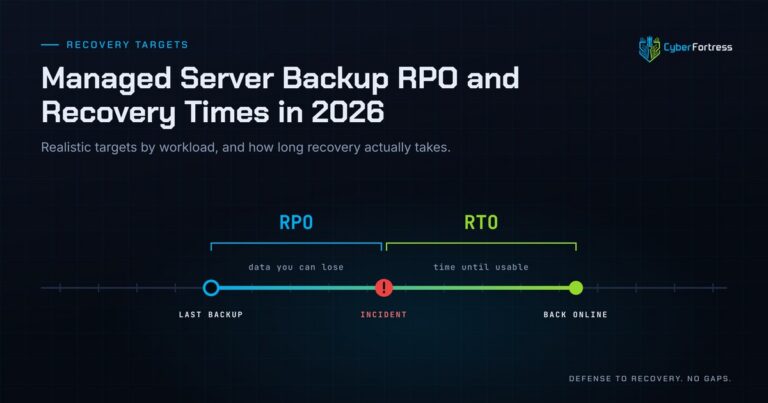
Managed Server Backup RPO and Recovery Times in 2026
For a 200-person company in 2026, a reasonable managed server backup posture is a 15-minute to 4-hour RPO…
-
Outsourcing Server Backups in 2026 Full Guide
Outsourcing server backups works when the contract covers monitoring, remediation, verified restore testing, immutable offsite storage, and assisted…
-
You Can’t Out-Patch an Attacker That Adapts in 31 Seconds
Researchers have documented what they are calling JadePuffer: a ransomware operation reportedly run end-to-end by an autonomous LLM…